





Runs on Windows
 Runs on Windows
Runs on MAC
Runs on Linux
Play on XBOX 360
Play on Wii U
Play on XBOX ONE
Play on Series X|S
Play on PS3
Play on PS4
HTC Vive Support
Oculus Rift Support
Windows Mixed Reality Support
Runs on Windows
Runs on MAC
Runs on Linux
Play on XBOX 360
Play on Wii U
Play on XBOX ONE
Play on Series X|S
Play on PS3
Play on PS4
HTC Vive Support
Oculus Rift Support
Windows Mixed Reality Support
Released |
Developed by |
Published by Maximum Entertainment
Runs on Windows  Single Player
  Full Controller Support
  Achievements
  Steam Trading Cards
  Cloud Saves
  Action
  Adventure
  Download

£0.00
Save 83%
Our Price: £1.953 left!

- Description
- Screenshots
- Reviews
- Achievements
- Languages
- System Requirements
- How Do I Download?

Lost Words is an atmospheric narrative adventure that takes place in the personal diary entries belonging to a young girl named Izzy that will unfold as you explore a fantasy land where words hold immense power. Featuring an immersive story crafted by renowned games writer Rhianna Pratchett, Lost Words: Beyond the Page will mesmerize players with its unique blend of gameplay mechanics and striking watercolor aesthetic. Driven by the player’s curiosity, the world of Estoria and the power it holds will serve as the engine that will propel Izzy through this deeply personal narrative, resulting in a truly memorable experience.
Navigate 2D worlds set inside a young girl’s diary by walking on the words and using them to solve a variety of puzzles.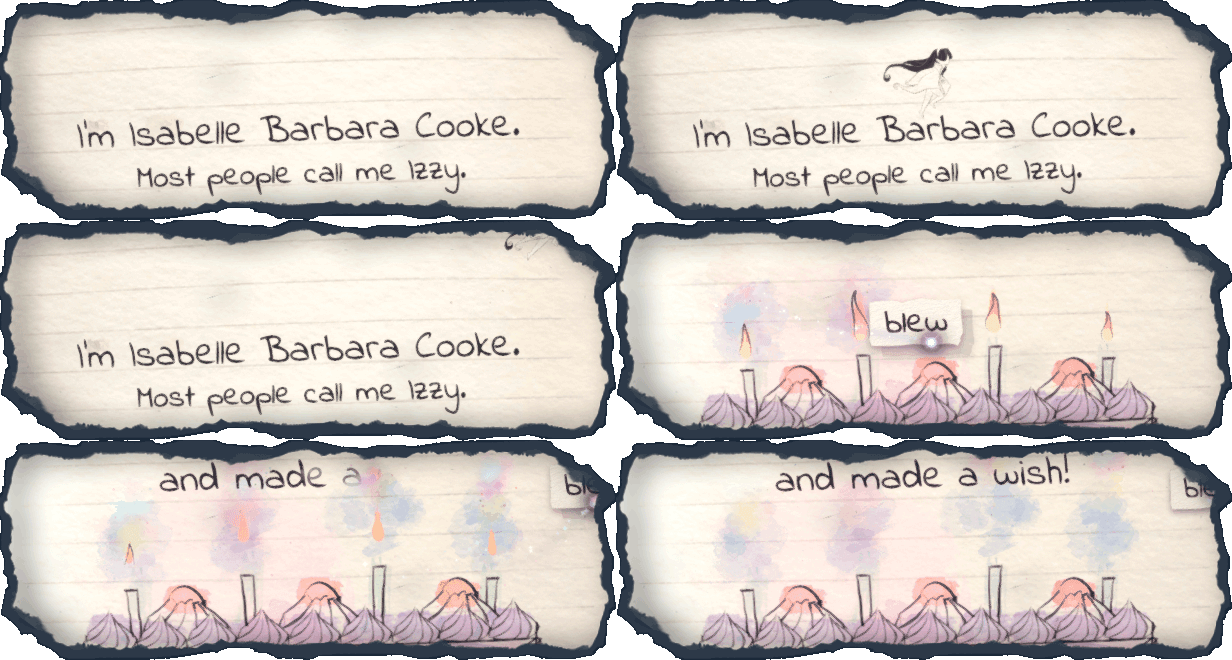
Immersive Storyteling
Explore an emotionally moving, fully-voiced narrative developed by renowned games writer Rhianna Pratchett as you make decisions that will alter how the story will unfold, making each playthrough unique.
Beautiful Visual Style.
Discover the watercolor world presented in the pages of the diary as well as the vibrant fantasy world of Estoria.
Innovative Gameplay.
Harness words to alter the environment around you to create a safe passage for the protagonist in an entirely unique and refreshing style of platforming.
Meaningful Exploration. Gather collectible fireflies scattered across the lands of Estoria for an additional challenge.
| Name | Image |
|---|
This product currently supports the following languages:
Windows

1. Go to http://store.steampowered.com/ and download the STEAM client.
2. Click "Install Steam"

3. Launch Steam and login to your account (create one if you havn't already).
4. Then go to 'Games' and click 'Activate a Product on Steam'.

5. Enter the key that we sent you in the email.


5. Congratulations the game has now been added to your account and can be installed/launched from your games library.
If you're still struggling to find where to redeem the key please watch the following video.
