





Runs on Windows
 Runs on Windows
Runs on MAC
Runs on Linux
Play on XBOX 360
Play on Wii U
Play on XBOX ONE
Play on Series X|S
Play on PS3
Play on PS4
HTC Vive Support
Oculus Rift Support
Windows Mixed Reality Support
Runs on Windows
Runs on MAC
Runs on Linux
Play on XBOX 360
Play on Wii U
Play on XBOX ONE
Play on Series X|S
Play on PS3
Play on PS4
HTC Vive Support
Oculus Rift Support
Windows Mixed Reality Support
Released |
Developed by |
Published by Fishing Cactus
Runs on Windows  Single Player
  Full Controller Support
  Achievements
  Steam Trading Cards
  Cloud Saves
  Includes Level Editor
  Action
  Adventure
  Platformer
  Puzzle
  Download

£0.00
Save 34%
Our Price: £9.792 left!

- Description
- Screenshots
- Reviews
- Achievements
- Languages
- System Requirements
- How Do I Download?

In this one of a kind puzzle platformer, tease your brain with a unique mechanic called Shifting. Create negative space by inverting the black and white world to transform barriers into escape routes.
Shift the world, twist your environment, bend your mind to unveil its secrets and solve each brain-drilling level.
Make use of all special gameplay blocks to overcome obstacles and get to the exit to find the happiness you have been searching for and promised by Axon Vertigo, the secret company behind the Shift Quantum brain program.
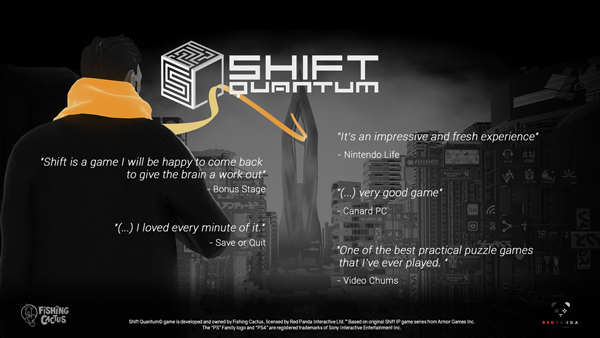

Make use of the embedded level editor to create your own custom levels and publish them to the community, then play an unlimited amount of community levels coming from all platforms, STEAM, PS4™, Xbox and Switch!
Don't limit your challenges, challenge your limits.

FEATURES
- Stylish black and white game world set in a cerebral cyber reality
- 8 new and unique gameplay elements to challenge your brain with puzzle and action mechanics
- A brand new story based on a mysterious AI controlled character
- Solo content with over 100 unique levels that will test your abilities like never before
- An easy-to-use, fully fledged cross-platforms level editor allowing you to create your own levels
- Share and play levels from other platforms (Xbox one, Playstation 4 and Switch)
- Level creation contests, speedruns and weekly votes for top levels and showcase
- Astounding cyber-noir soundtrack to Shift Quantum created by Volkor X and Simon Felix.
- Controller and keyboard support
- Big picture support
- Steam achievements and leaderboards
- Cloud save progression
- 4K Supported
- Steam Controller supported
| Name | Image |
|---|
This product currently supports the following languages:
Windows

1. Go to http://store.steampowered.com/ and download the STEAM client.
2. Click "Install Steam"

3. Launch Steam and login to your account (create one if you havn't already).
4. Then go to 'Games' and click 'Activate a Product on Steam'.

5. Enter the key that we sent you in the email.


5. Congratulations the game has now been added to your account and can be installed/launched from your games library.
If you're still struggling to find where to redeem the key please watch the following video.
