





Runs on Windows
 Runs on Windows
Runs on MAC
Runs on Linux
Play on XBOX 360
Play on Wii U
Play on XBOX ONE
Play on Series X|S
Play on PS3
Play on PS4
HTC Vive Support
Oculus Rift Support
Windows Mixed Reality Support
Runs on Windows
Runs on MAC
Runs on Linux
Play on XBOX 360
Play on Wii U
Play on XBOX ONE
Play on Series X|S
Play on PS3
Play on PS4
HTC Vive Support
Oculus Rift Support
Windows Mixed Reality Support
Released |
Developed by |
Published by Whale Rock Games
Runs on Windows  Single Player
  Full Controller Support
  Achievements
  Cloud Saves
  Adventure
  Simulation
  Download

£0.00
Save 72%
Our Price: £2.13
- Description
- Screenshots
- Reviews
- Achievements
- Languages
- System Requirements
- How Do I Download?

Scientific research is not unlike the work of a detective. Revealing hidden connections and subtle patterns has a lot in common with untangling the web of meanings, studying causes, and predicting consequences. If one correctly combines blocks of data and determines their connectivity, one may eventually uncover the truth. But that truth and the explanation of everything that has happened may come as a shock to the one who finds it.
Dopamine is a first-person sci-fi puzzle game where the player must explore the labyrinth of riddles and investigate the apocalyptic event at the research facility following the experiments with the Higgs boson, or “the God particle”.
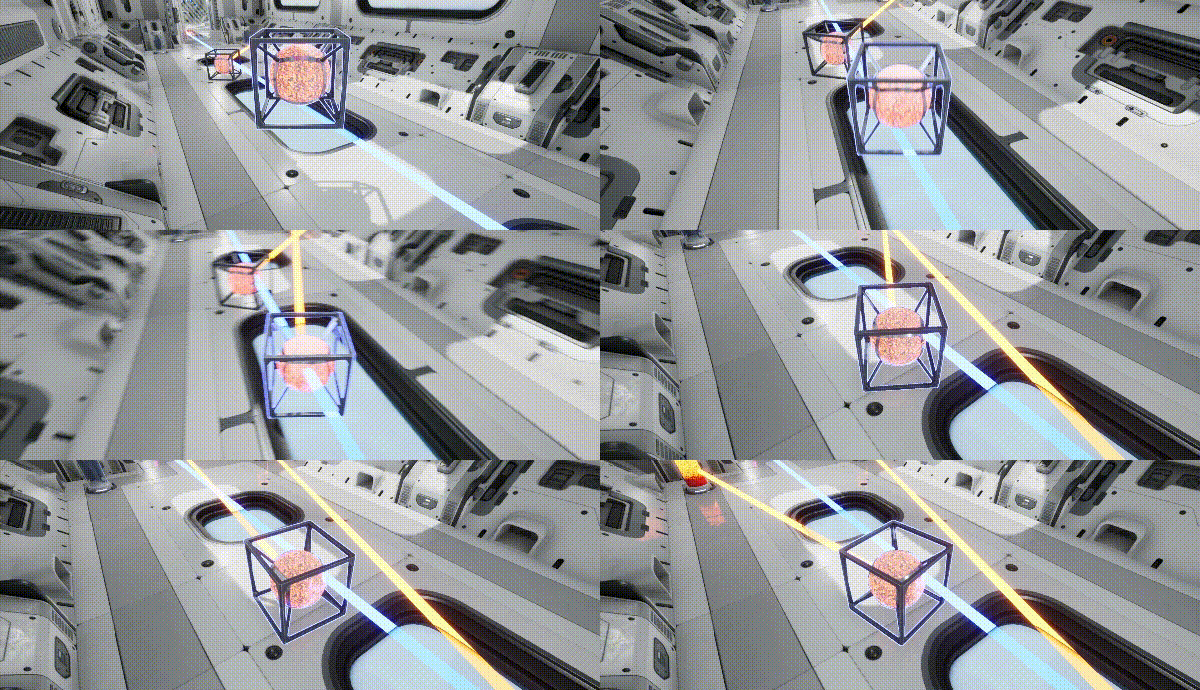
INVESTIGATE A MYSTERY
In order to advance the investigation you must explore the sci-fi surroundings and uncover clues — blocks of data that must be correctly combined and reconnected.

LEARN THE PRICE OF KNOWLEDGE
We do not claim that ignorance is bliss, but… you can’t play God and write it off as a joke afterwards. A game like that always leads to dire consequences.
TRUST YOUR INSIGHT
A unique soundtrack will help you unleash your full investigative potential. Forget your doubts, and allow the sounds of music to guide you towards the truth.
GAME FEATURES:
- Notes and puzzles
- Interesting first-person story
- Different locations
- Amazing sound
| Name | Image |
|---|
This product currently supports the following languages:
Windows

1. Go to http://store.steampowered.com/ and download the STEAM client.
2. Click "Install Steam"

3. Launch Steam and login to your account (create one if you havn't already).
4. Then go to 'Games' and click 'Activate a Product on Steam'.

5. Enter the key that we sent you in the email.


5. Congratulations the game has now been added to your account and can be installed/launched from your games library.
If you're still struggling to find where to redeem the key please watch the following video.
