





Runs on Windows
 Runs on Windows
Runs on MAC
Runs on Linux
Play on XBOX 360
Play on Wii U
Play on XBOX ONE
Play on Series X|S
Play on PS3
Play on PS4
HTC Vive Support
Oculus Rift Support
Windows Mixed Reality Support
Runs on Windows
Runs on MAC
Runs on Linux
Play on XBOX 360
Play on Wii U
Play on XBOX ONE
Play on Series X|S
Play on PS3
Play on PS4
HTC Vive Support
Oculus Rift Support
Windows Mixed Reality Support
Released |
Developed by |
Published by Super Rare Originals
Runs on Windows  Single Player
  Full Controller Support
  Achievements
  Cloud Saves
  Action
  Simulation
  Download

£0.00
Save 72%
Our Price: £3.151 left!

- Description
- Screenshots
- Reviews
- Achievements
- Languages
- System Requirements
- How Do I Download?

OTXO (pronounced oh-cho) is a violent top-down shooter with roguelite elements. Play as the protagonist entering an inexplicable mansion in search of his lost love. As you venture deeper into the Mansion, more of its secrets will be unveiled to you.

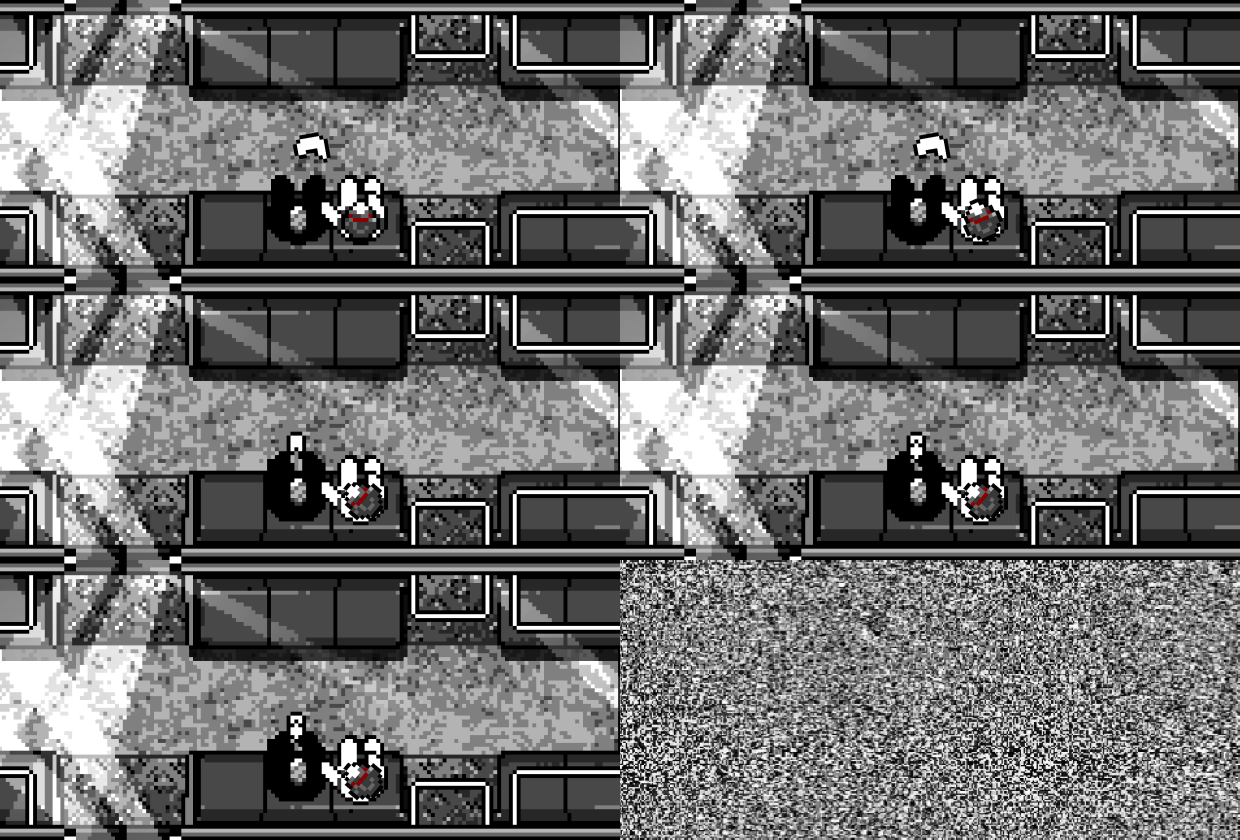
Featureless, unnamed, and without memories of how you came here… but you remember why. She’s waiting for you somewhere in this Mansion and you cannot leave until you find her. Cut your way through various unique areas and meet new allies as you delve deeper into the mystery, face your inner demons, and annihilate them.

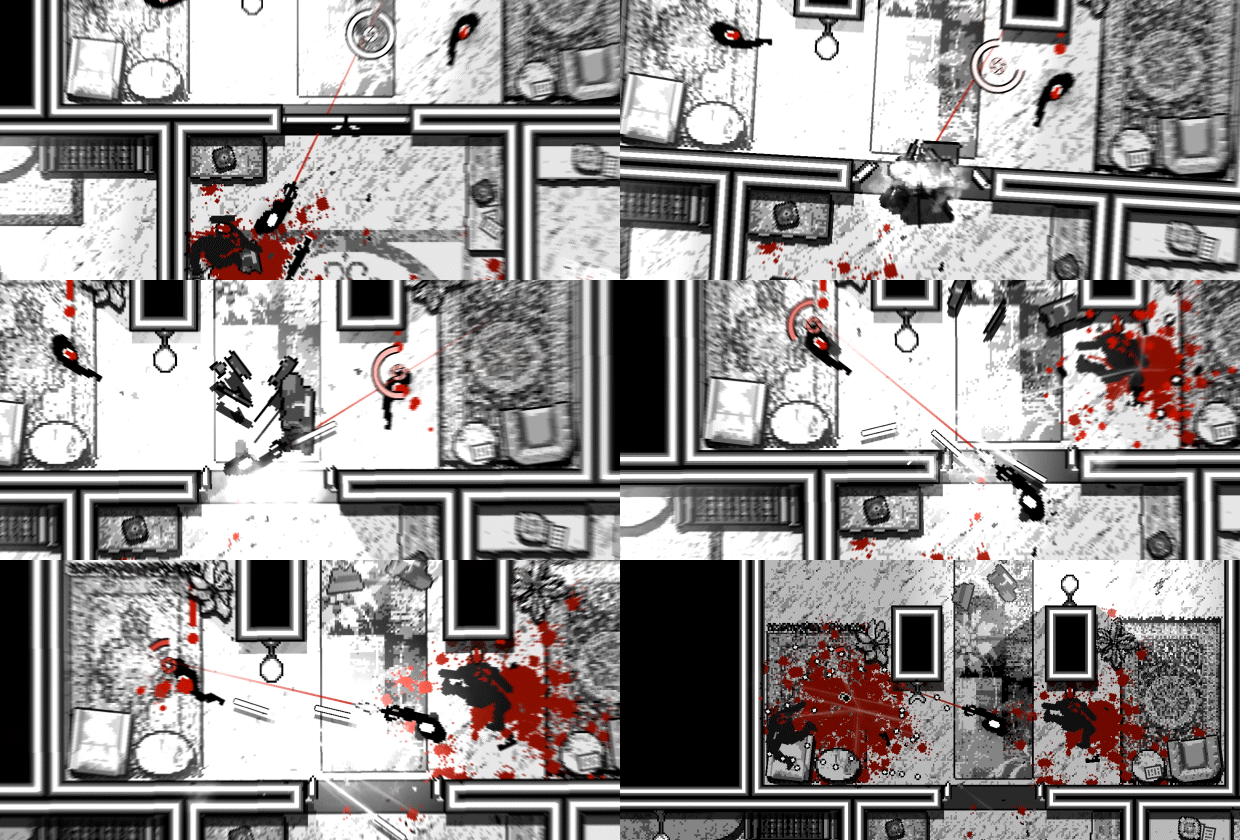
With a massive variety of guns, over 100 abilities, and Focus to dodge bullets at your disposal, kick down doors and eviscerate the variety of enemies standing in between you and your mission.

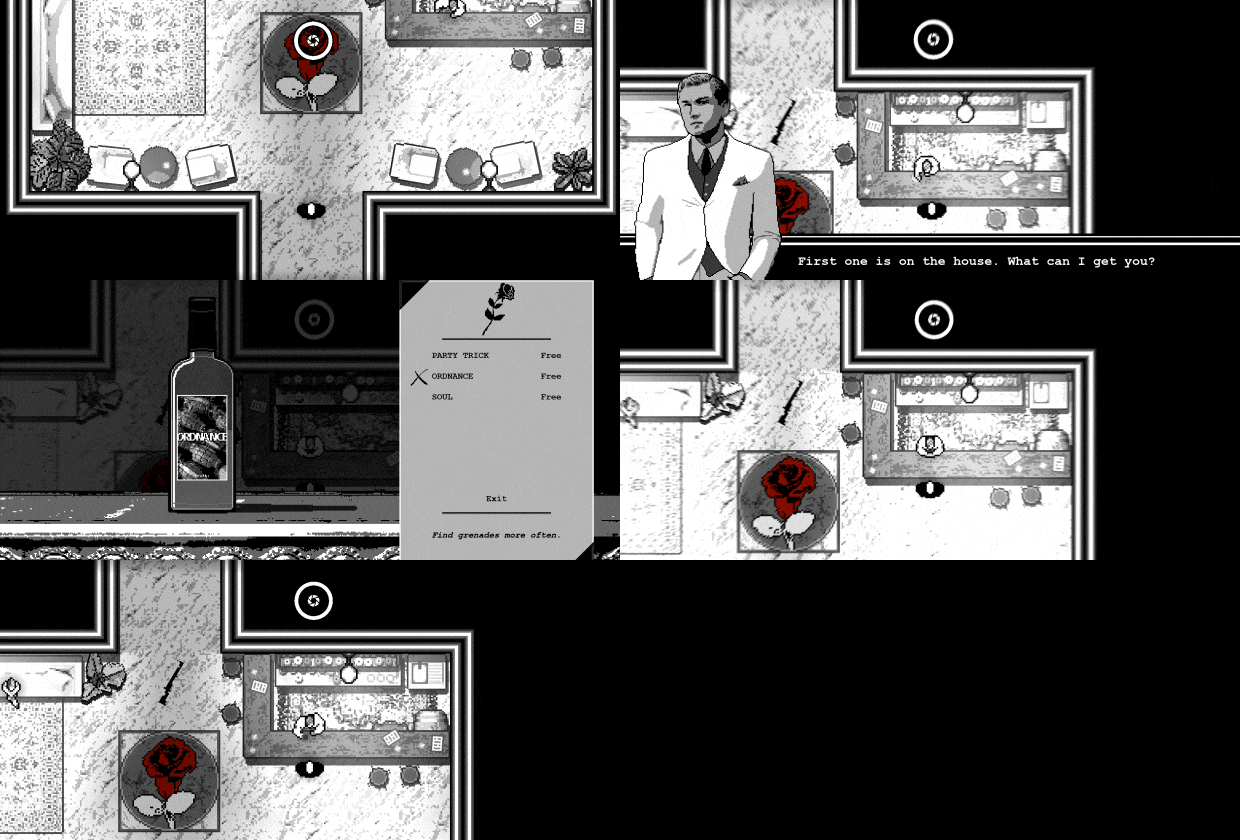
◼ Tons of replayability: OTXO will take the player through 8 areas with a randomly laid out selection of rooms out of the over 150 hand-crafted rooms built in the game. No two runs of the game will be the same.
◼ Customization: Find the setup that’ll help you break the cycle from a whole selection of unlockable weapons and over 100 acquirable abilities from the game’s enigmatic bartender.
◼ Playstyle: With the slow-mo mechanic, Focus, at your disposal OTXO will make the player feel powerful and in control. However, be careful because the variety of enemy types thrown in your way can quickly turn the tides of the combat if you don’t adapt accordingly.
◼ Soundtrack: Fully immerse yourself into the brutal noir-esque murder ballet through the gritty pulse pumping soundtrack composed by the developer himself.
| Name | Image |
|---|
This product currently supports the following languages:
Windows

1. Go to http://store.steampowered.com/ and download the STEAM client.
2. Click "Install Steam"

3. Launch Steam and login to your account (create one if you havn't already).
4. Then go to 'Games' and click 'Activate a Product on Steam'.

5. Enter the key that we sent you in the email.


5. Congratulations the game has now been added to your account and can be installed/launched from your games library.
If you're still struggling to find where to redeem the key please watch the following video.
