





Runs on Windows
 Runs on Windows
Runs on MAC
Runs on Linux
Play on XBOX 360
Play on Wii U
Play on XBOX ONE
Play on Series X|S
Play on PS3
Play on PS4
HTC Vive Support
Oculus Rift Support
Windows Mixed Reality Support
Runs on Windows
Runs on MAC
Runs on Linux
Play on XBOX 360
Play on Wii U
Play on XBOX ONE
Play on Series X|S
Play on PS3
Play on PS4
HTC Vive Support
Oculus Rift Support
Windows Mixed Reality Support
Released |
Developed by |
Published by Dear Villagers
Runs on Windows  Single Player
  Full Controller Support
  Achievements
  Cloud Saves
  Steam Leaderboards
  Action
  Adventure
  RPG
RPG  Download

£0.00
Save 76%
Our Price: £3.191 left!

- Description
- Screenshots
- Reviews
- Achievements
- Languages
- System Requirements
- How Do I Download?

A fast paced twin-stick roguelite platformer. Climb an ominous clock tower in a series of procedural encounter rooms and past challenging boss fights on your way to reclaiming your lost memory.
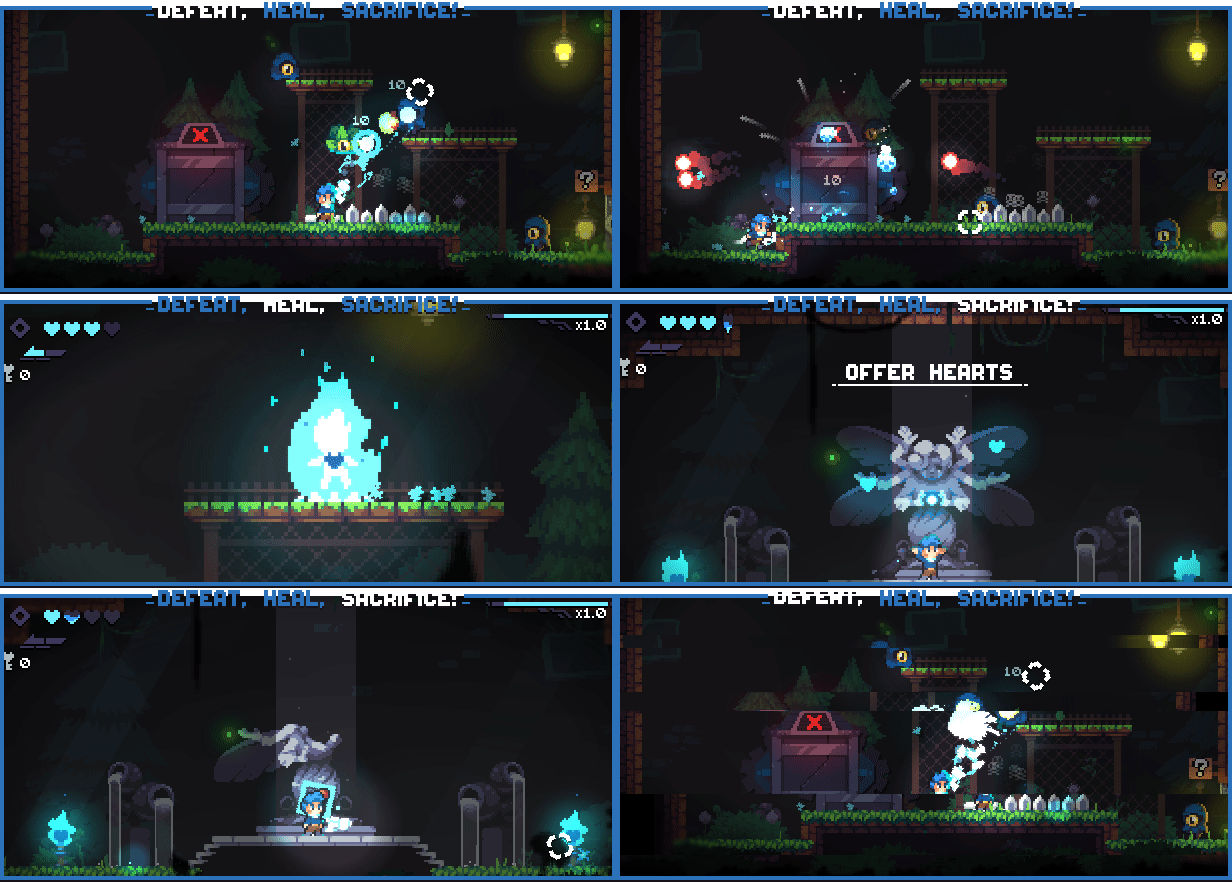
Exchange health for power in fast paced glass cannon gameplay. Find the right balance of attack and defense as you try, die, repeat and progress up the tower
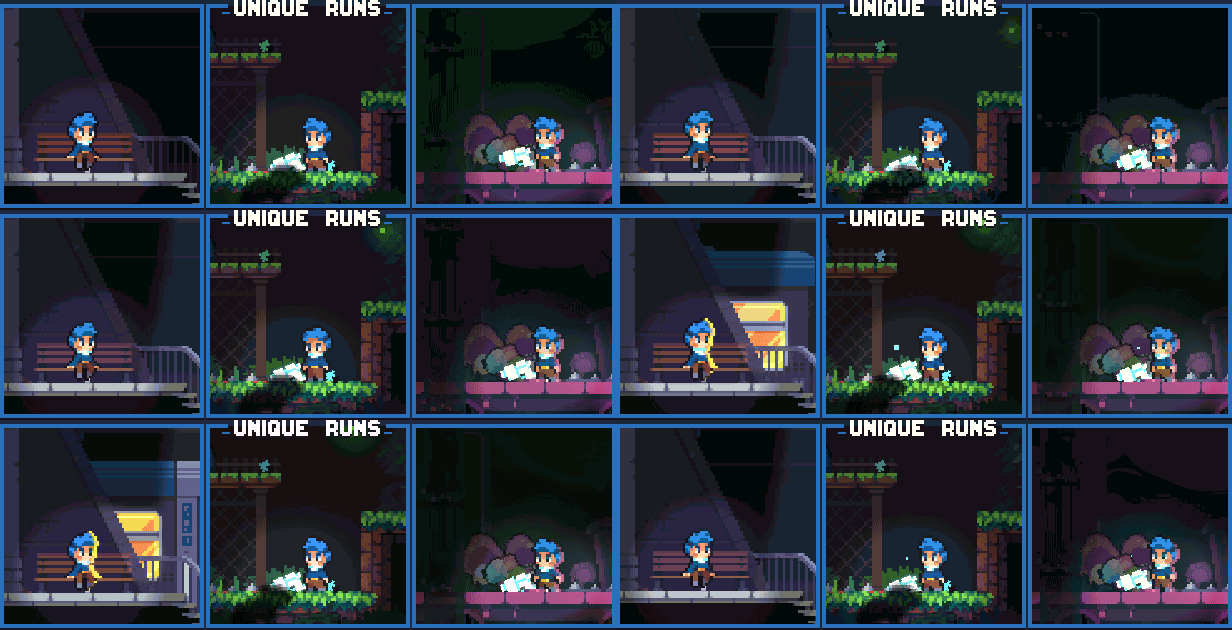
Battle through an almost infinite variety of combat encounters in procedurally generated rooms

Twin stick shooting, dashing and wall sliding are just the beginning - find power-ups and items on each run and upgrade your arsenal
An extensive set of options lets you tweak Revita to your playstyle - slow down time, set an outline colour for enemies to make them easier to track or choose the level of aim assist that feels right for you.
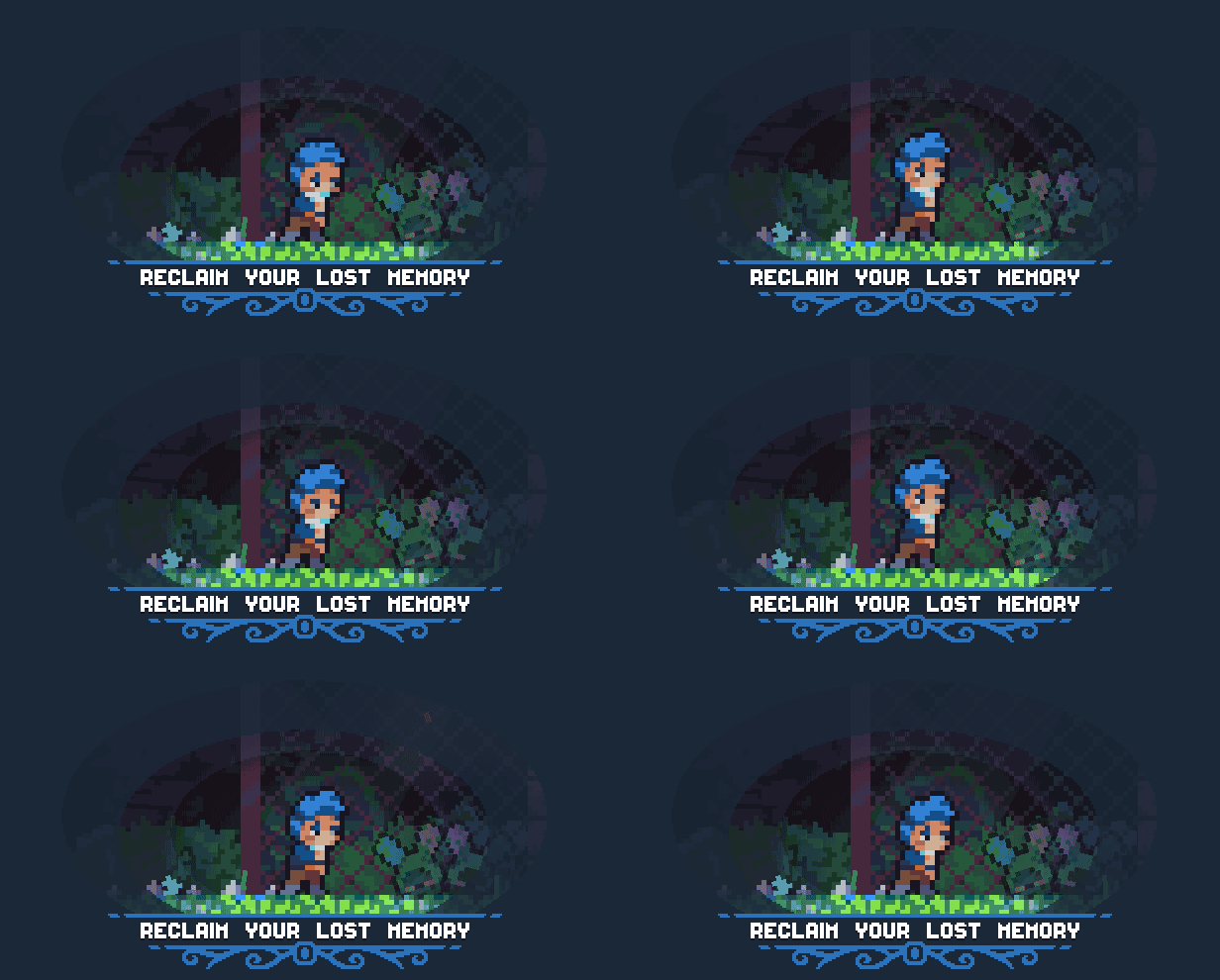
Explore an underground subway line infested with monsters and filled with colourful characters who will help you on your journey. Travelling from station to station where elevators take you towards the heights of an ever changing clocktower.
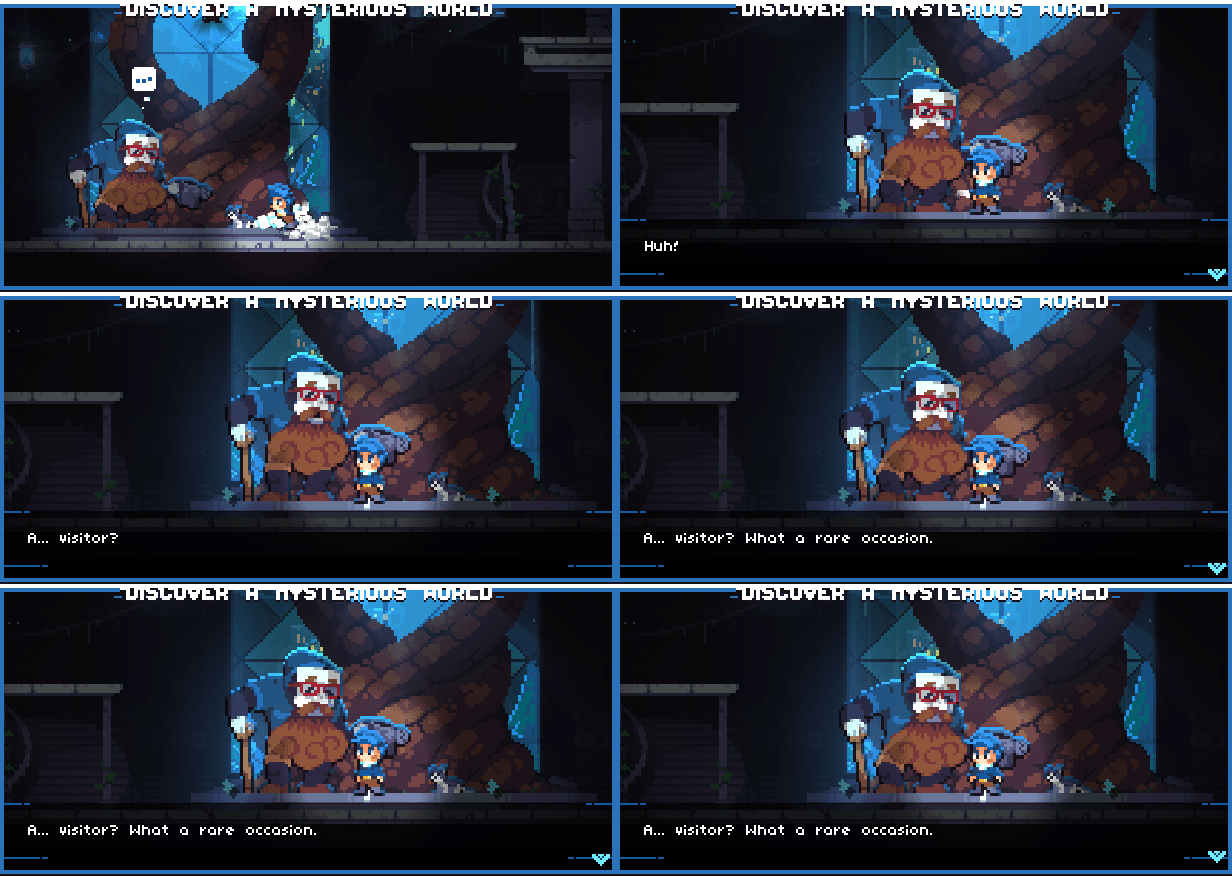
A nameless child with no memories awakens in the metro with only a vague sense of purpose and desire to reach the distant clocktower, hoping to find answers at the top. On the way they will discover a melancholic world filled with masked characters, monsters and perhaps the answers that the child seeks.
| Name | Image |
|---|
This product currently supports the following languages:
Windows

1. Go to http://store.steampowered.com/ and download the STEAM client.
2. Click "Install Steam"

3. Launch Steam and login to your account (create one if you havn't already).
4. Then go to 'Games' and click 'Activate a Product on Steam'.

5. Enter the key that we sent you in the email.


5. Congratulations the game has now been added to your account and can be installed/launched from your games library.
If you're still struggling to find where to redeem the key please watch the following video.
