





Runs on Windows
 Runs on Windows
Runs on MAC
Runs on Linux
Play on XBOX 360
Play on Wii U
Play on XBOX ONE
Play on Series X|S
Play on PS3
Play on PS4
HTC Vive Support
Oculus Rift Support
Windows Mixed Reality Support
Runs on Windows
Runs on MAC
Runs on Linux
Play on XBOX 360
Play on Wii U
Play on XBOX ONE
Play on Series X|S
Play on PS3
Play on PS4
HTC Vive Support
Oculus Rift Support
Windows Mixed Reality Support
Released |
Developed by |
Published by 3D Realms
Runs on Windows  Single Player
  Multi-Player
  Achievements
  Steam Trading Cards
  Cloud Saves
  Action
  Strategy
  Download

£0.00
Save 82%
Our Price: £5.99
- Description
- Screenshots
- Reviews
- Achievements
- Languages
- System Requirements
- How Do I Download?
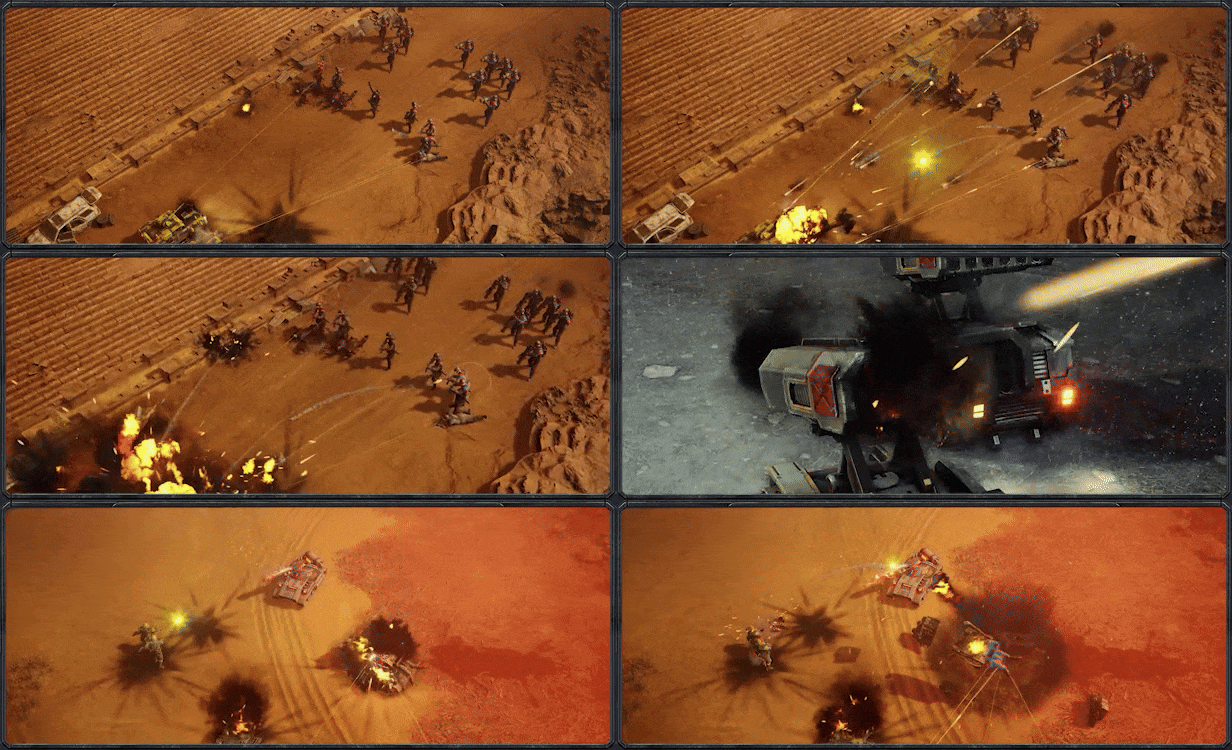
Classic RTS action meets modern production and performance in Tempest Rising. Inspired by RTS greats of the 90s and 2000s, Tempest Rising is a classic, base-building real time strategy game set in a modern day alternative history war scenario. It features 3 unique factions, each with its own approach to combat and economy and offering a variety of strategies for players of all stripes, deep and rewarding gameplay that keeps a focus on strategy while rewarding skill, and built-in customization options that allow players to approach the game their way in both single player and multiplayer game modes.
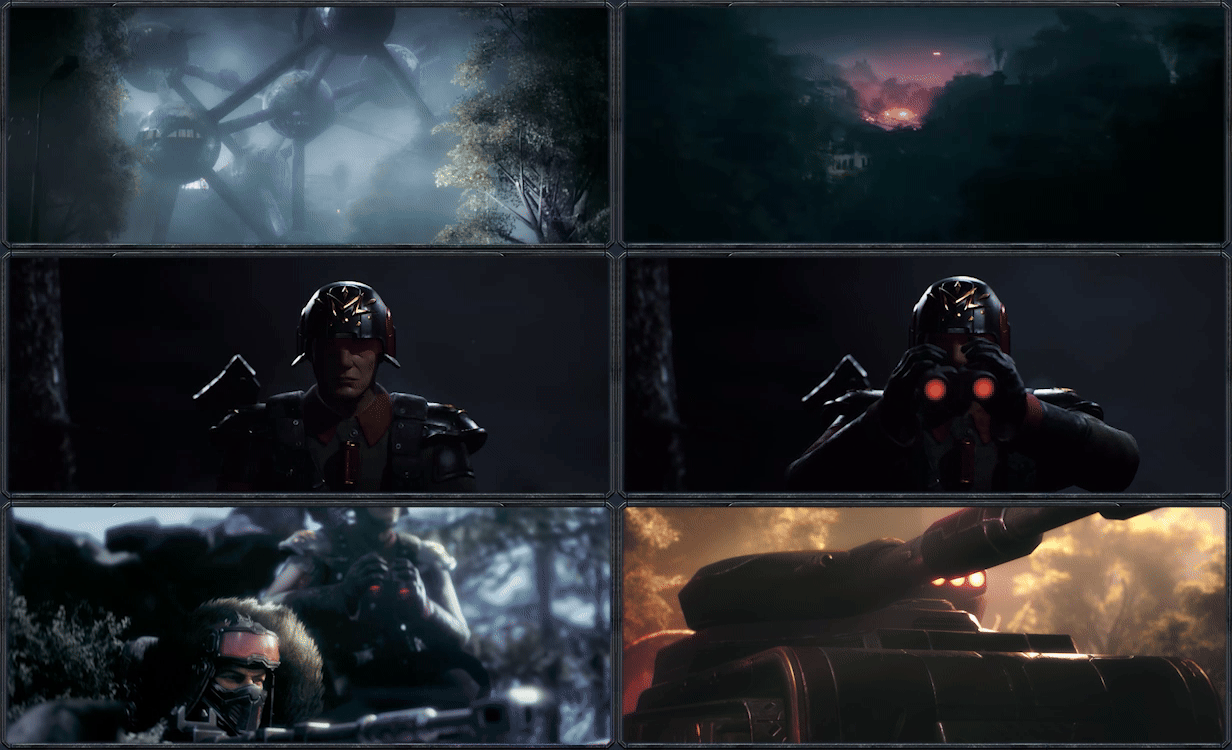
Take on the role of Commander in the highly mobile and advanced peacekeeping corps of the Global Defense Forces or the hard-hitting and desperate Tempest Dynasty in 2 11-mission campaigns that allow the player to customize their army for each mission, as both armies seek to understand and control the mysterious but beneficial Tempest vines that grow unchecked across the war-torn planet Earth. Other dangers wait in the shadows, as the origin of the Tempest is revealed...
Features

-
Classic RTS base building with fast and fluid hard-hitting combat
-
3 asymmetrical factions, (2 playable at launch), each featuring distinct economy and play styles.
-
Each faction offers a unique roster of units.
-
2 epic single player campaigns with between-mission cutscenes.
-
Skirmish, custom games, and ranked multiplayer matchmaking with Glicko-2 rating.
| Name | Image |
|---|
This product currently supports the following languages:
Windows

1. Go to http://store.steampowered.com/ and download the STEAM client.
2. Click "Install Steam"

3. Launch Steam and login to your account (create one if you havn't already).
4. Then go to 'Games' and click 'Activate a Product on Steam'.

5. Enter the key that we sent you in the email.


5. Congratulations the game has now been added to your account and can be installed/launched from your games library.
If you're still struggling to find where to redeem the key please watch the following video.