




The Outer Worlds (Windows) Download
Runs on Windows
 Runs on Windows
Runs on MAC
Runs on Linux
Play on XBOX 360
Play on Wii U
Play on XBOX ONE
Play on Series X|S
Play on PS3
Play on PS4
HTC Vive Support
Oculus Rift Support
Windows Mixed Reality Support
Released
Developed by
Published by Private Division
Runs on Windows  Single Player
 Controller Support
 Achievements
 Steam Trading Cards
 Cloud Saves
 Action
 Adventure
 RPG
 Shooter
 Download
 The adult classification is applied when the level of violence reaches a stage where it becomes a depiction of gross violence, apparently motiveless killing, or violence towards defenceless characters. The glamorisation of the use of illegal drugs and explicit sexual activity should also fall into this age category.
gamers playing right now

£24.99
Save 28%
Our Price: £17.951 left!

- Description
- Track Listing
- Media
- Reviews
- Trading Cards
- Languages
- System Requirements
- How Do I Download?
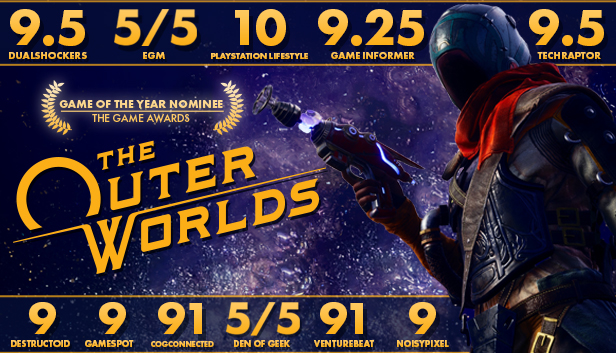
The Outer Worlds is an award-winning single-player first-person sci-fi RPG from Obsidian Entertainment and Private Division.
Lost in transit while on a colonist ship bound for the furthest edge of the galaxy, you awake decades later only to find yourself in the midst of a deep conspiracy threatening to destroy the Halcyon colony. As you explore the furthest reaches of space and encounter various factions, all vying for power, the character you decide to become will determine how this player-driven story unfolds. In the corporate equation for the colony, you are the unplanned variable.
KEY FEATURES
The player-driven story RPG
In keeping with the Obsidian tradition, how you approach The Outer Worlds is up to you. Your choices affect not only the way the story develops; but your character build, companion stories, and end game scenarios.
You can be flawed, in a good way
New to The Outer Worlds is the idea of flaws. A compelling hero is made by the flaws they carry with them. While playing The Outer Worlds, the game tracks your experience to find what you aren't particularly good at. Keep getting attacked by Raptidons? Taking the Raptiphobia flaw gives you a debuff when confronting the vicious creatures, but rewards you with an additional character perk immediately. This optional approach to the game helps you build the character you want while exploring Halcyon.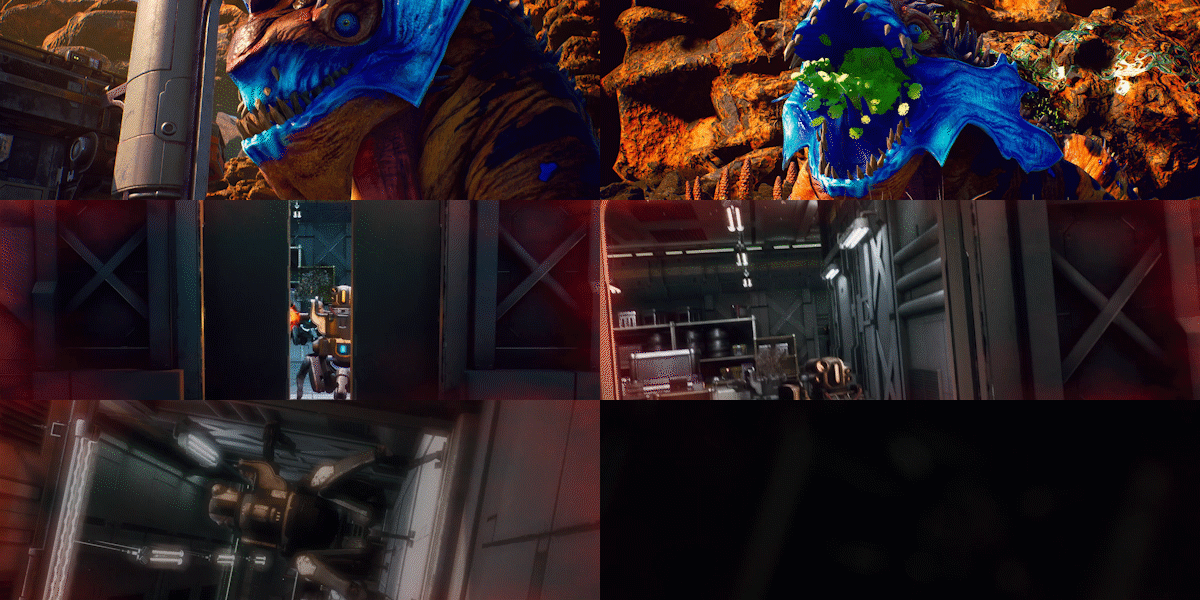
Lead your companions
During your journey through the furthest colony, you will meet a host of characters who will want to join your crew. Armed with unique abilities, these companions all have their own missions, motivations, and ideals. It's up to you to help them achieve their goals, or turn them to your own ends.
Explore the corporate colony
Halcyon is a colony at the edge of the galaxy owned and operated by a corporate board. They control everything... except for the alien monsters left behind when the terraforming of the colony’s two planets didn’t exactly go according to plan. Find your ship, build your crew, and explore the settlements, space stations, and other intriguing locations throughout Halcyon.
Loading player reviews…
| Name | Image |
|---|
This product currently supports the following languages:
Windows
Windows Store activation & download guide
Use this guide for a Windows / Microsoft Store game or app key. Check the product’s supported platform and requirements before redeeming.
Have your product code ready
Locate the Windows / Microsoft Store product code supplied with your purchase. Use the product code, not your order number.
Choose the correct Microsoft account
Sign in to the personal Microsoft account on which you want to keep your purchase. Check the account before continuing: redeemed codes cannot be transferred to another Microsoft account.
Redeem your code
In your Microsoft account, open Payment & billing and choose Redeem. Depending on your account layout, Redeem a code or gift card may appear under Subscriptions instead. Enter or paste your code, select Next and follow the confirmation prompts.
Open your Microsoft Store library
On your Windows PC, open Microsoft Store and sign in with the same Microsoft account used to redeem your code. Open Library or My Library and find your game or app.
Download, install and play
Select Download or Install beside your purchase. Let installation finish, then open your game or app.
If the purchase is missing, check that Microsoft Store is signed in to the account used for redemption. If a code error appears, note the exact message and contact us with your order reference. Never share your Microsoft account password.
· Publisher: Private Division
