




EMPTY SHELL (PC) Steam Download
Runs on Windows
 Runs on Windows
Runs on MAC
Runs on Linux
Steam Deck compatibility
Compatibility details are loading.
Reported by Steam. Cached for up to 24 hours.
Play on XBOX 360
Play on Wii U
Play on XBOX ONE
Play on Series X|S
Play on PS3
Play on PS4
HTC Vive Support
Oculus Rift Support
Windows Mixed Reality Support
Steam Deck compatibility
Compatibility details are loading.
Reported by Steam. Cached for up to 24 hours.
Released
Developed by
Published by Hyperstrange
Runs on Windows  Single Player
 Controller Support
 Achievements
 Cloud Saves
 Steam Leaderboards
 Action
 Adventure
 Horror
 Retro
 Shooter
 Download
 Video games that show violence of a slightly more graphic nature towards fantasy characters or non-realistic violence towards human-like characters would fall in this age category. Sexual innuendo or sexual posturing can be present, while any bad language in this category must be mild. Gambling as it is normally carried out in real life in casinos or gambling halls can also be present (e.g. card games that in real life would be played for money).
gamers playing right now

£9.99
Save 73%
Our Price: £2.675 left!

- Description
- Track Listing
- Media
- Reviews
- Trading Cards
- Achievements
- Languages
- System Requirements
- How Do I Download?

EMPTY SHELL will throw you in a dark industrial environment, a secret facility on a Japanese island in the middle of nowhere. Each volunteer has signed a contract for a "recovery operation" without being privy to too many details.
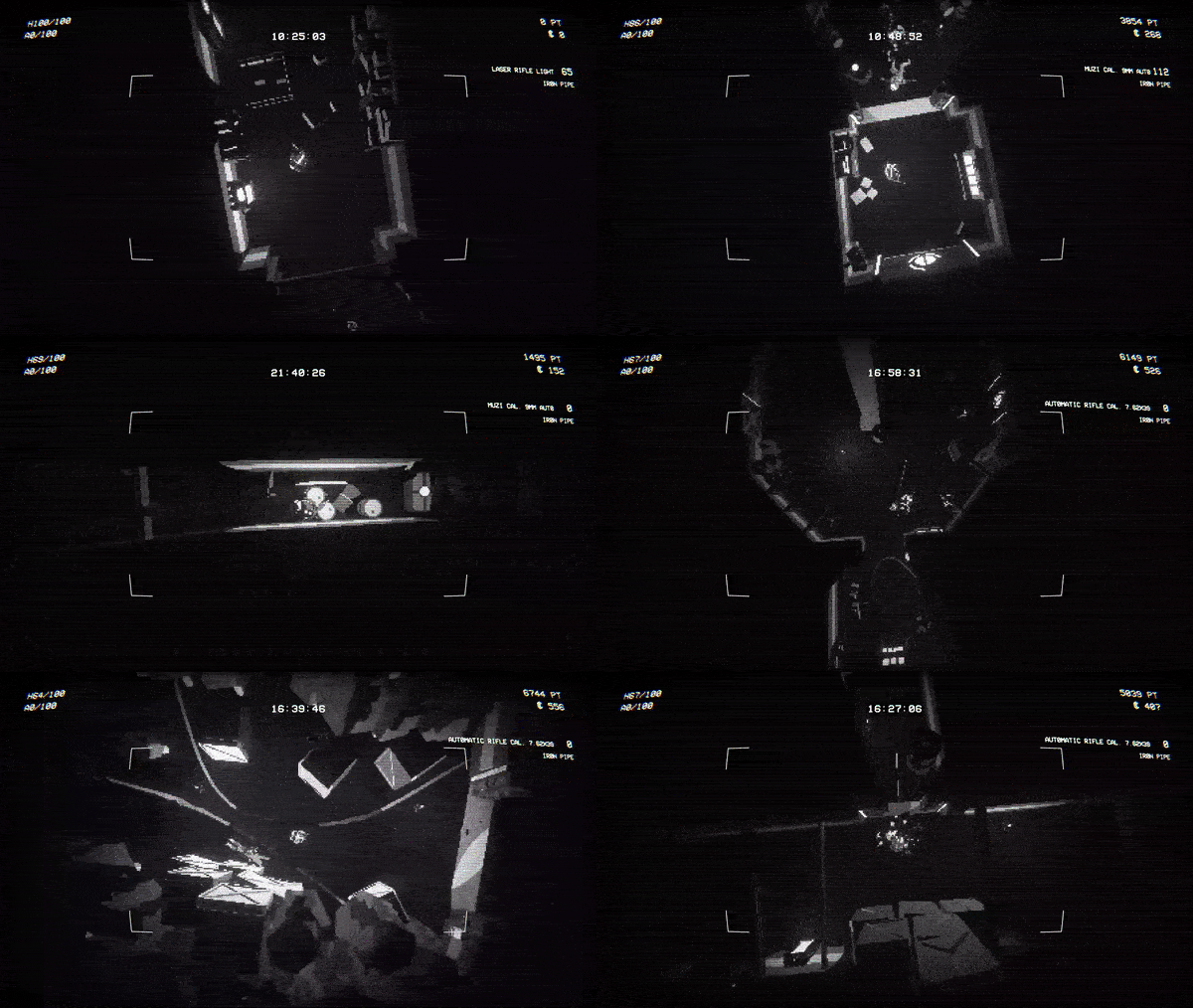
They said the facility had been abandoned for decades, but once in place it was immediately apparent that something was wrong.
Discover the dark secrets of the facility's years of operation, up until the accident that led to the extreme consequences you are involved in.
Every time you die, you will control a new volunteer sent to the place. Your starting equipment will be randomized and each level will be generated with a new layout.
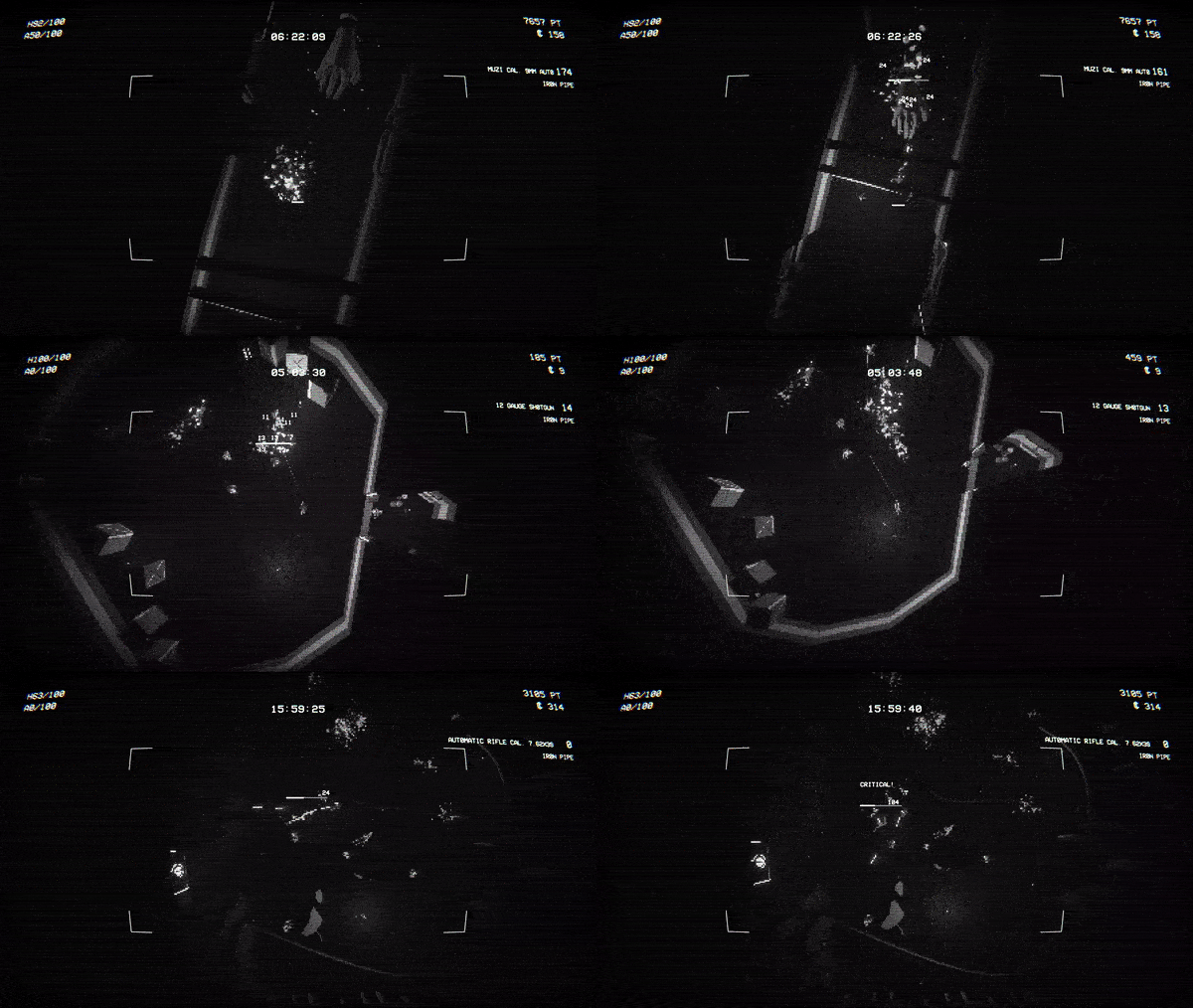
Dark corridors and cold rooms. Abominable creatures and bloody fights. Puzzles to solve, equipment, logs and documents to recover await you in this roguelite survival horror.
- Random generated maps every time you enter a new level or you die
- A top down perspective surrounded by darkness
- Scavenge weapons, ammo and gadgets to raise your chance to survive
- Manage your inventory to make room for what you deem vital
- Different types of enemies will hunt you down each room of the facility
- Buy upgrades and devices to help you during fights
- Find logs and documents from the 1950s to unveil the stories of the people who worked there
Loading player reviews…
| Name | Image |
|---|
This product currently supports the following languages:
Windows

Steam key activation & download guide
Follow these steps if you purchased a Steam Key. Steam Gifts use the separate gift-redemption instructions.
Get Steam ready
You will need the Steam desktop client installed on your computer. If it is already installed, simply open it. Otherwise, install Steam before continuing with the activation steps below.
Sign in to your Steam account
Open Steam and sign in, or create an account if you do not have one. Check that you are using the account on which you want to activate your purchase.
Open product activation
In the Steam client, choose + Add a Game at the bottom-left, then Activate a Product on Steam. Follow the on-screen prompts.
Enter your Steam key
Copy the product key supplied with your purchase into the activation field and continue through the confirmation. Use the product key, not your order number.
Download and play
Open your Steam Library, select the activated game and choose Install. Follow the download and installation prompts, then launch the game from your Library.
Having trouble activating your key? Check that you copied the full product key and entered it in Activate a Product on Steam, not the wallet-code field. If you still need help, contact our support team with your order number and the error message shown. Keep your product key private.
· Publisher: Hyperstrange
