




Moonstone Island (PC/MAC/LINUX) Steam Download
Runs on Windows
 Runs on Windows
 Runs on MAC
 Runs on Linux
Steam Deck compatibility
Compatibility details are loading.
Reported by Steam. Cached for up to 24 hours.
Play on XBOX 360
Play on Wii U
Play on XBOX ONE
Play on Series X|S
Play on PS3
Play on PS4
HTC Vive Support
Oculus Rift Support
Windows Mixed Reality Support
Steam Deck compatibility
Compatibility details are loading.
Reported by Steam. Cached for up to 24 hours.
Released
Developed by
Published by Raw Fury
Runs on Windows
Runs on MAC
Runs on Linux  Single Player
 Controller Support
 Achievements
 Cloud Saves
 Adventure
 RPG
 Simulation
 Strategy
 Download
gamers playing right now

£16.75
Save 82%
Our Price: £2.871 left!

- Description
- Track Listing
- Media
- Reviews
- Trading Cards
- Achievements
- Languages
- System Requirements
- How Do I Download?

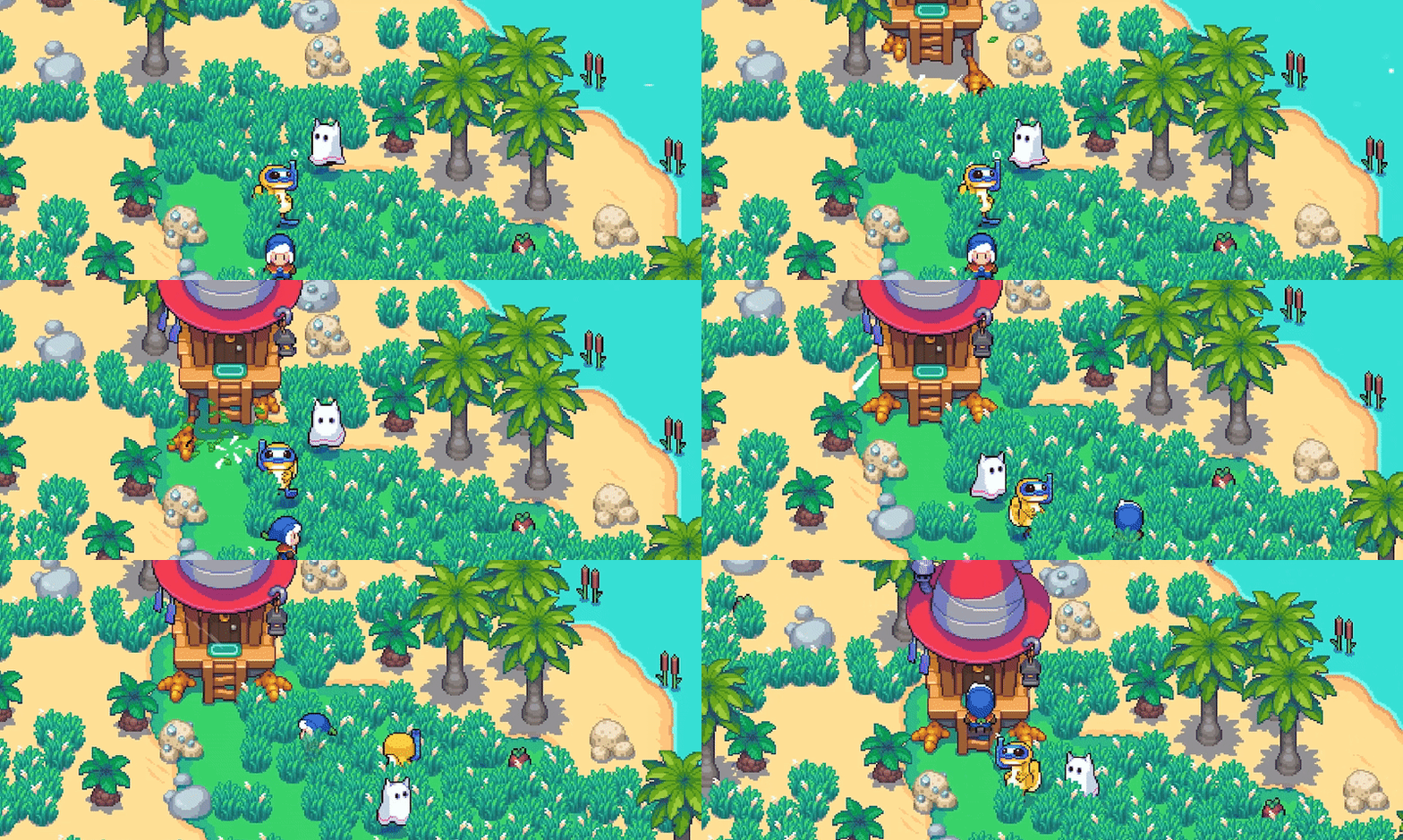
Moonstone Island is a creature-collecting life-sim set in an open world with 100 islands to explore. Make friends, brew potions, collect Spirits, and test your strength in card-based encounters to complete your Alchemy training!

Spend time on islands in the sky!
Following your village's tradition, you must move to an island in the sky to complete your Alchemy training. Armed with a team of nature spirits, magical potions, and the support of your new friends, you'll explore ancient temples, dangerous dungeons, and hostile biomes to uncover the dark secret of Moonstone Island.

-
Befriend NPCs, become a member of the community, go on dates, fall in love, and marry the villager of your dreams!
-
Build a new home on any of the 100 islands in your procedurally generated world
-
Grow crops and flowers to brew potions and tame spirits. Cultivate ingredients to cook your fave dishes for fun and stat bonuses!
-
Customize and decorate your home to make it uniquely yours with over 300 decorations

-
Travel by balloon, broom, and glider through unique biomes to reach the outer edges of the world to uncover the secrets of your floating home in the sky
-
Tame and befriend wild spirits to fight alongside you - Over 70 Spirits to tame!
-
Discover and explore dungeons to earn upgrades, collect loot and uncover secrets - Or take on the INFINIDUNGEON for neverending battles and rewards!
-
Optimize your character with unique skills and upgrades
-
Craft dozens of items and vehicles to prepare for the treacherous wilderness

Since we launched on September 20, 2023 we’ve been working hard to add more functionality and fun to the game, including:
-
Cooking!
-
41 new cards!
-
Over 50 new and free decorative items!
-
Marriage!
-
Infinidungeon!
-
More QoL improvements than we can count!
-
+ More updates coming over 2024 and 2025 – we’re not stopping yet!
Loading player reviews…
| Name | Image |
|---|
This product currently supports the following languages:
Windows
Mac
Linux

Steam key activation & download guide
Follow these steps if you purchased a Steam Key. Steam Gifts use the separate gift-redemption instructions.
Get Steam ready
You will need the Steam desktop client installed on your computer. If it is already installed, simply open it. Otherwise, install Steam before continuing with the activation steps below.
Sign in to your Steam account
Open Steam and sign in, or create an account if you do not have one. Check that you are using the account on which you want to activate your purchase.
Open product activation
In the Steam client, choose + Add a Game at the bottom-left, then Activate a Product on Steam. Follow the on-screen prompts.
Enter your Steam key
Copy the product key supplied with your purchase into the activation field and continue through the confirmation. Use the product key, not your order number.
Download and play
Open your Steam Library, select the activated game and choose Install. Follow the download and installation prompts, then launch the game from your Library.
Having trouble activating your key? Check that you copied the full product key and entered it in Activate a Product on Steam, not the wallet-code field. If you still need help, contact our support team with your order number and the error message shown. Keep your product key private.
· Publisher: Raw Fury
