




The Legend of Tianding (PC/MAC) Steam Download
Runs on Windows
 Runs on Windows
 Runs on MAC
Runs on Linux
Steam Deck compatibility
Compatibility details are loading.
Reported by Steam. Cached for up to 24 hours.
Play on XBOX 360
Play on Wii U
Play on XBOX ONE
Play on Series X|S
Play on PS3
Play on PS4
HTC Vive Support
Oculus Rift Support
Windows Mixed Reality Support
Steam Deck compatibility
Compatibility details are loading.
Reported by Steam. Cached for up to 24 hours.
Released
Developed by
Published by Neon Doctrine, Raw Fury
Runs on Windows
Runs on MAC  Single Player
 Controller Support
 Achievements
 Cloud Saves
 Action
 Adventure
 Platformer
 RPG
 Download
gamers playing right now

£15.99
Save 80%
Our Price: £3.171 left!

- Description
- Track Listing
- Media
- Reviews
- Trading Cards
- Achievements
- Languages
- System Requirements
- How Do I Download?

Play as Liao Tianding (AKA. Liāu Thiam-Ting), vigilante of Taipei city and wanted by the Colonial Japanese authorities. Rob the rich, feed the poor, and fight for justice in the streets of early 20th century Taipei as Taiwan’s legendary outlaw.
Based on real events, real people and real situations, The Legend of Tianding is an exploration of a place and time often overlooked and presented in the style of Traditional Chinese Manga.
Features
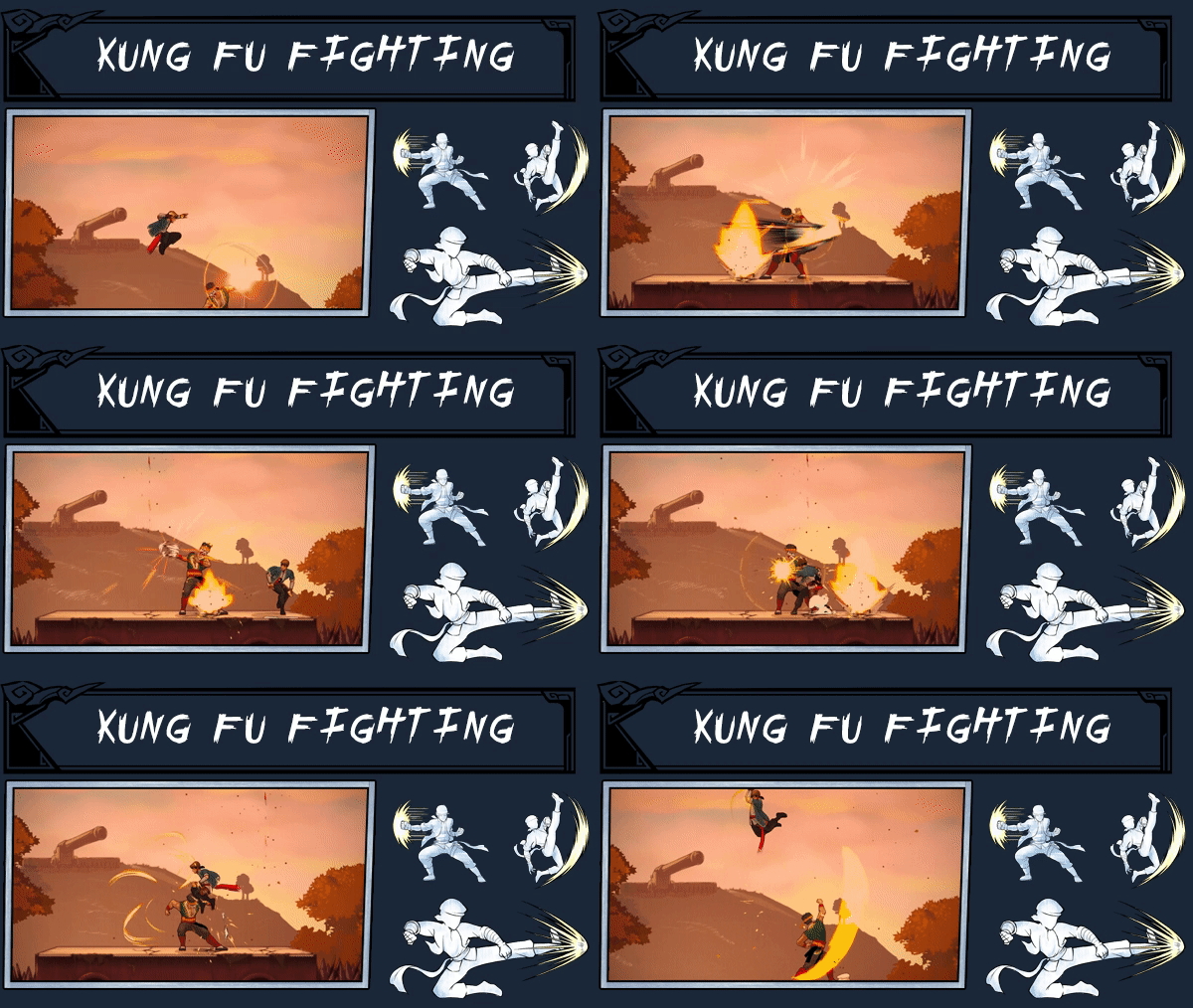
Battle the colonial authorities in style with a tanto, waist sash, and fast paced Kung Fu in tightly tuned technical combat. Execute advanced aerial combos, steal weapons from your enemies, use your waist sash and grappling hook to fly around the battlefield, and strike fear into the hearts of your oppressors.
Take on incredible bosses like deadly courtesans, greedy businessmen, and even military leaders, each one guaranteed to challenge you with their dynamic abilities and brutal attacks.
Explore the Dadaocheng area of Taipei city as it looked like in the early 1900’s Run through colorful streets, ride on a speeding train, and make your escape through dark sewers, all done in the style of a retro Traditional Chinese Manga.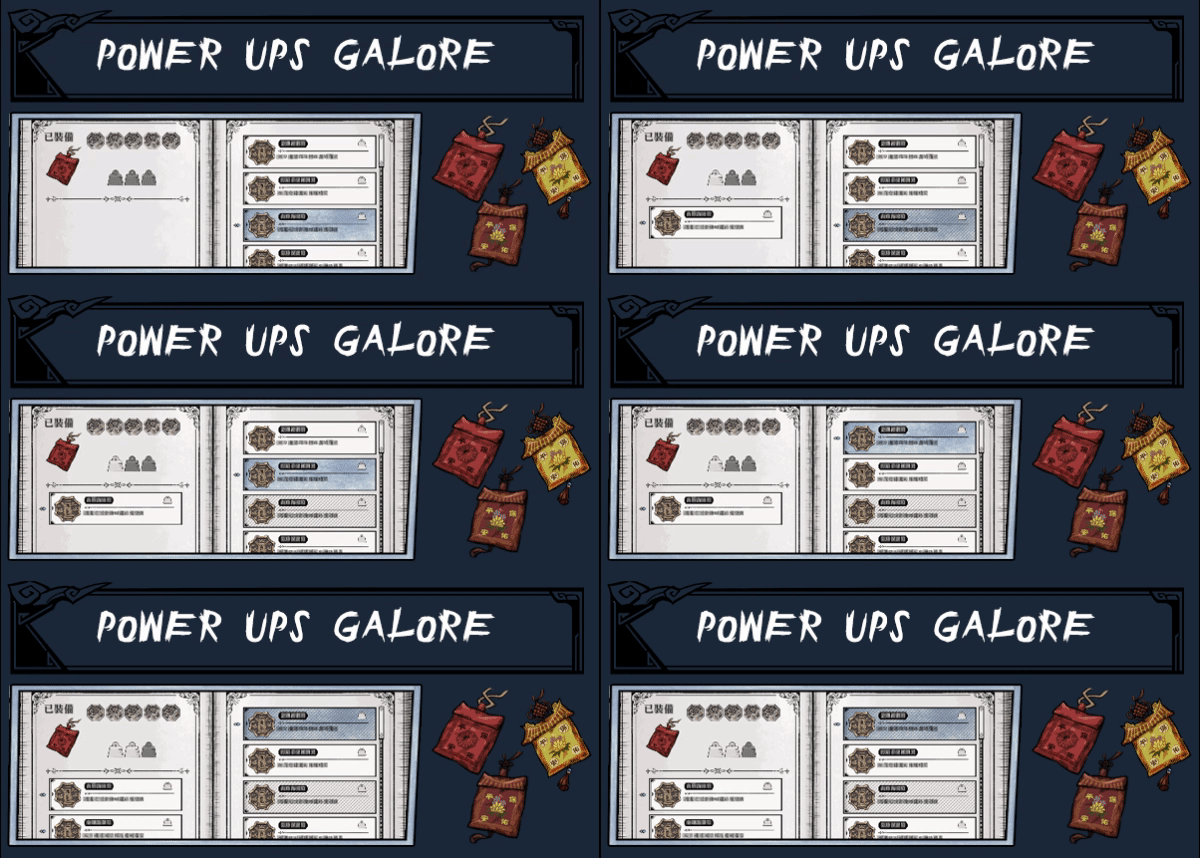
Even the playing field and tailor Liao Tianding to your playstyle with different equippable talismans! These magical items grant you bonuses such as recovering more health from food, regaining stamina faster, or even reducing the damage you take.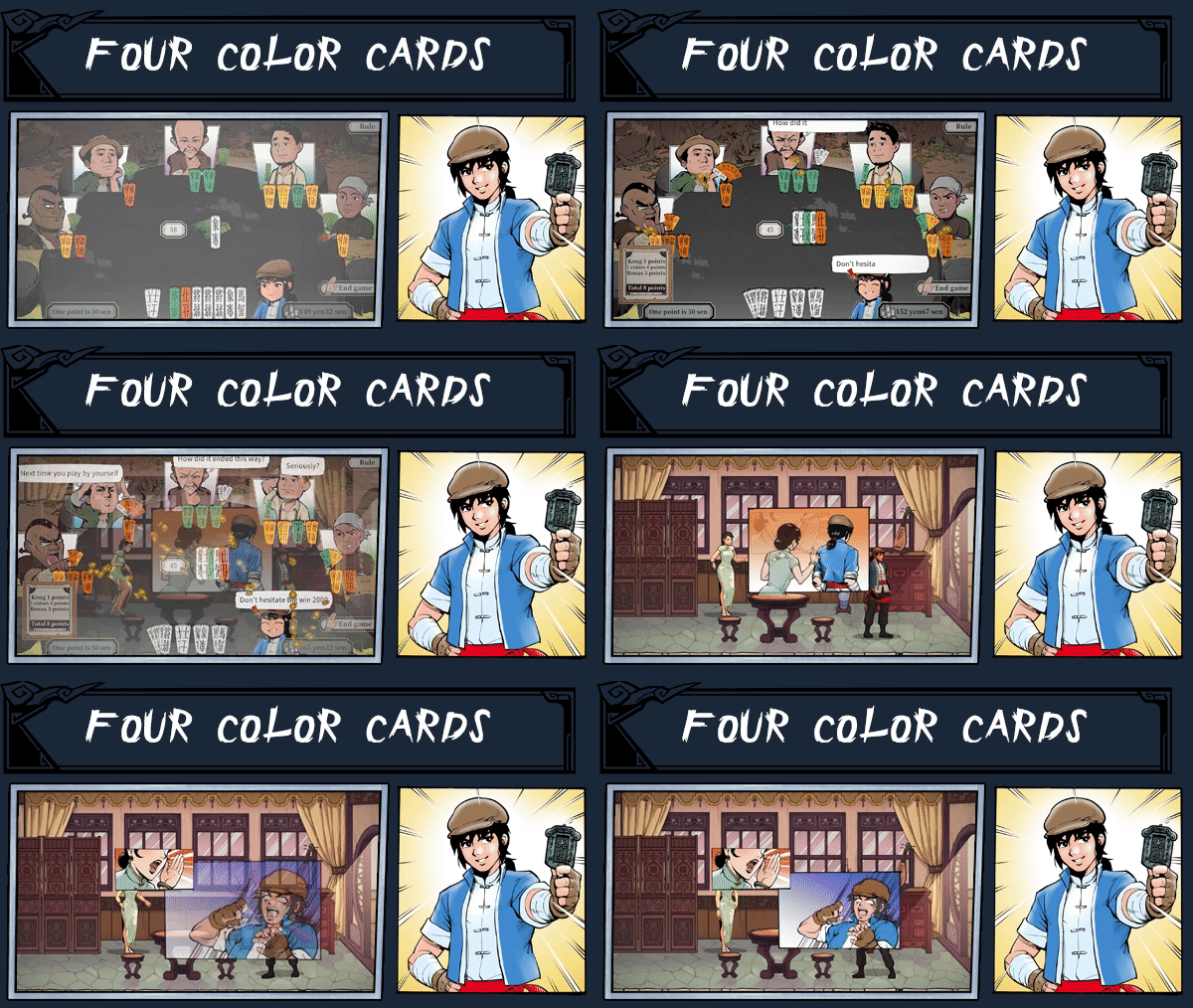
Take a break from rebellion with this traditional Taiwanese board game.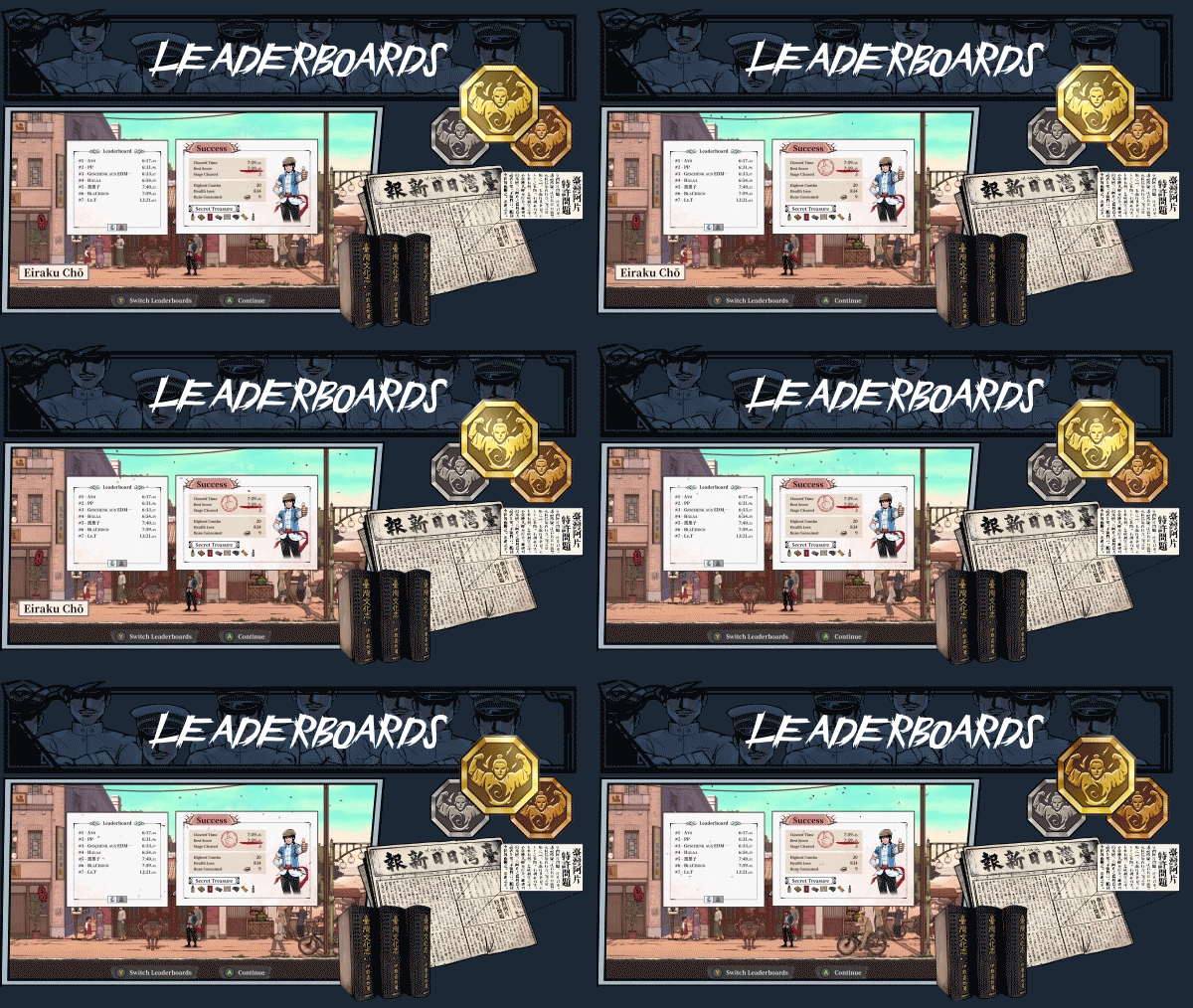
See how your legend stacks up against your friend's in online leaderboards.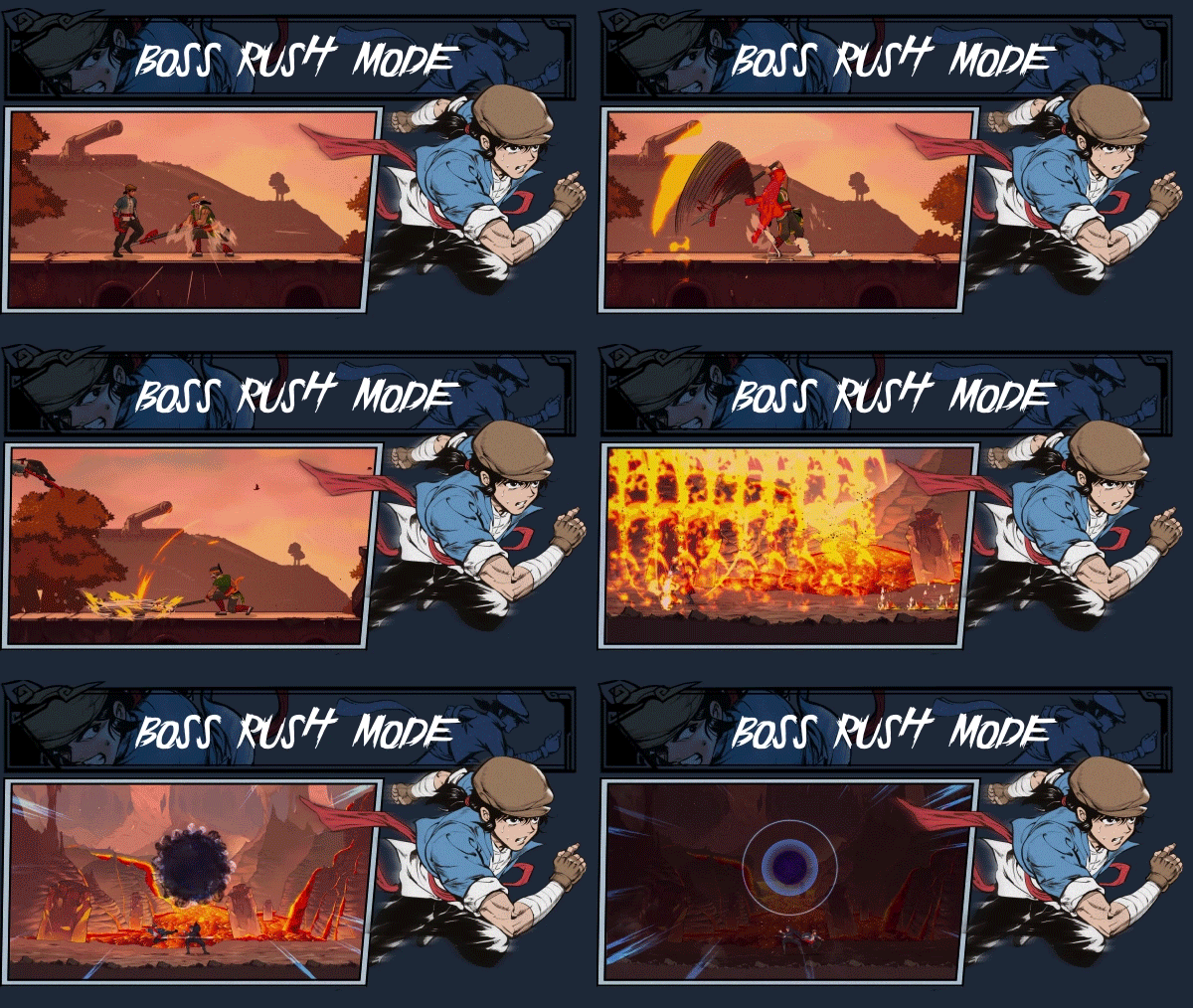
Test yourself against Tianding’s rogue's gallery in Boss Rush mode.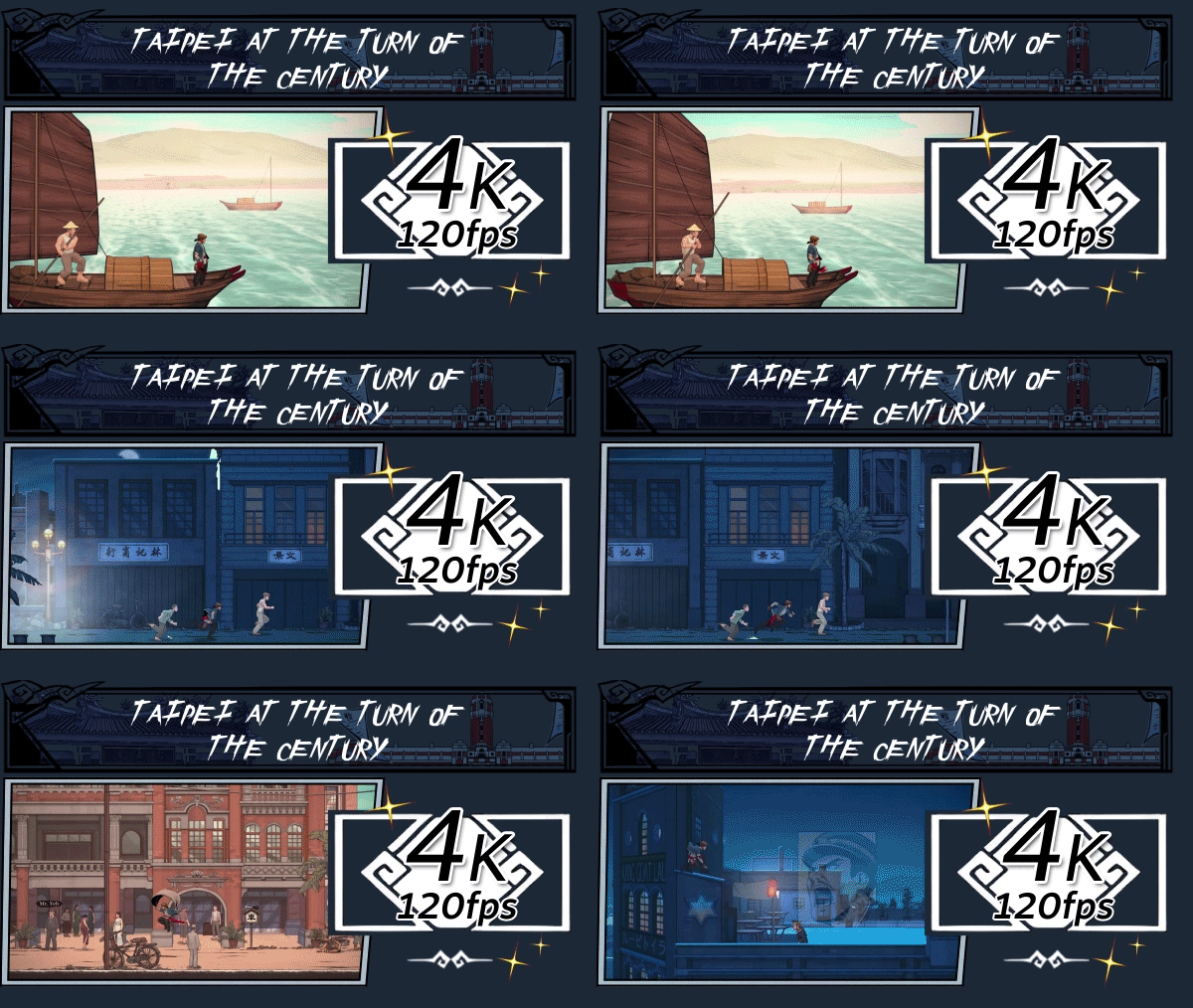
Experience the full beauty of the city, the mountains, and clashing martial arts in 4K resolution, running at 120 frames per second with Ultrawide monitor support!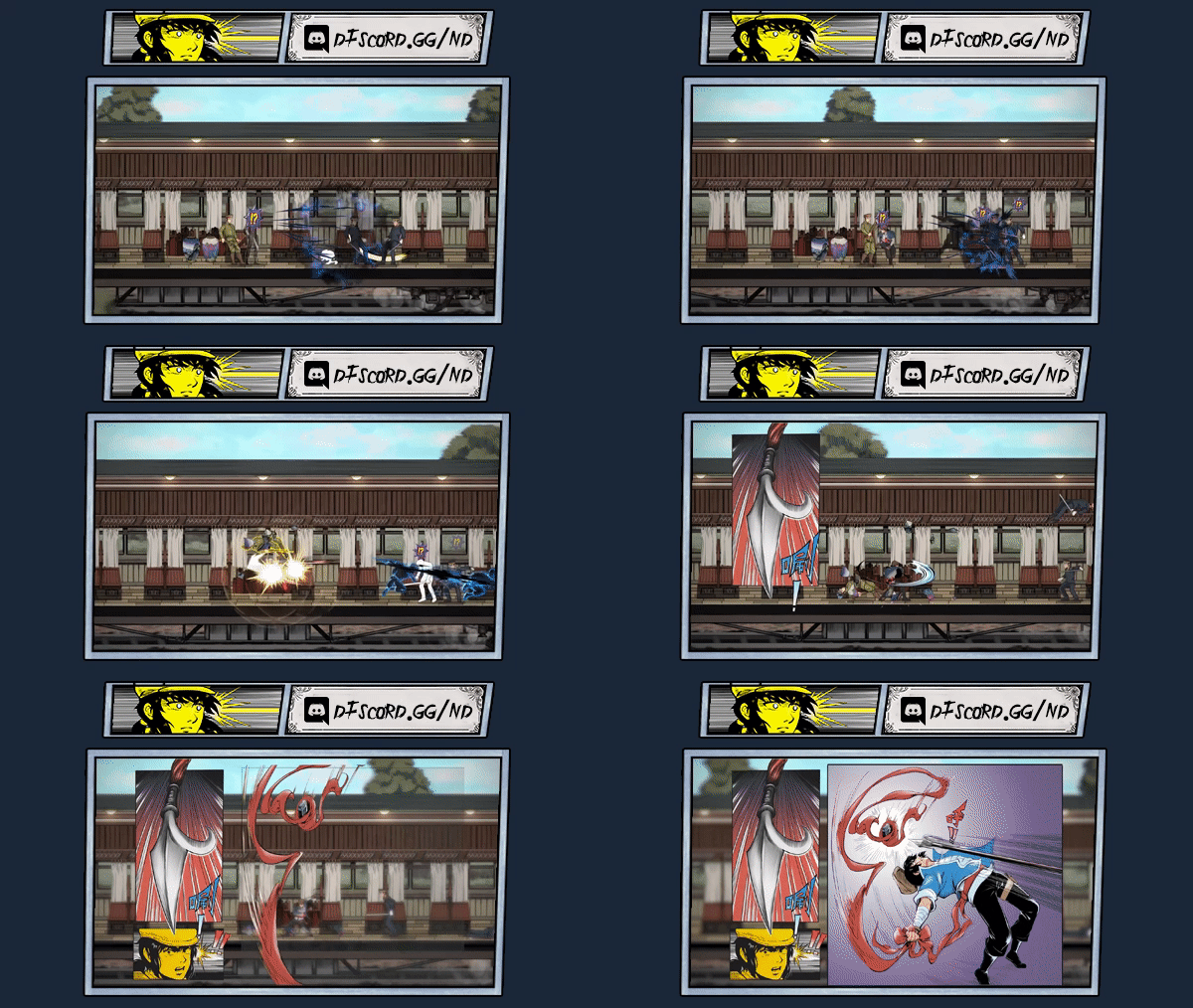
System Requirements
PC
-
OS: Windows 10 Version 18362.0 or higher
-
Processor: AMD Athlon X4 | Intel Core i5 4460
-
Memory: 8 GB RAM
-
Graphics: Nvidia GTX 950 | AMD R7 370
-
DirectX: Version 11
- Storage: 2 GB available space
MAC
-
OS: macOS 10.13.6+
-
Processor: Apple M1
-
Memory: 4 GB RAM
- Graphics: Apple M1
Loading player reviews…
| Name | Image |
|---|
This product currently supports the following languages:
Windows
Mac

Steam key activation & download guide
Follow these steps if you purchased a Steam Key. Steam Gifts use the separate gift-redemption instructions.
Get Steam ready
You will need the Steam desktop client installed on your computer. If it is already installed, simply open it. Otherwise, install Steam before continuing with the activation steps below.
Sign in to your Steam account
Open Steam and sign in, or create an account if you do not have one. Check that you are using the account on which you want to activate your purchase.
Open product activation
In the Steam client, choose + Add a Game at the bottom-left, then Activate a Product on Steam. Follow the on-screen prompts.
Enter your Steam key
Copy the product key supplied with your purchase into the activation field and continue through the confirmation. Use the product key, not your order number.
Download and play
Open your Steam Library, select the activated game and choose Install. Follow the download and installation prompts, then launch the game from your Library.
Having trouble activating your key? Check that you copied the full product key and entered it in Activate a Product on Steam, not the wallet-code field. If you still need help, contact our support team with your order number and the error message shown. Keep your product key private.
· Publisher: Neon Doctrine, Raw Fury
