




Sid Meier's Civilization VI (PC/MAC/LINUX) Steam Download
Runs on Windows
 Runs on Windows
 Runs on MAC
 Runs on Linux
Steam Deck compatibility
Compatibility details are loading.
Reported by Steam. Cached for up to 24 hours.
Play on XBOX 360
Play on Wii U
Play on XBOX ONE
Play on Series X|S
Play on PS3
Play on PS4
HTC Vive Support
Oculus Rift Support
Windows Mixed Reality Support
Steam Deck compatibility
Compatibility details are loading.
Reported by Steam. Cached for up to 24 hours.
Released
Developed by
Published by 2K, Aspyr (Mac), Aspyr (Linux)
Runs on Windows
Runs on MAC
Runs on Linux  Single Player
 Multi-Player
Cross-Platform Multiplayer
 In-App Purchases
 Achievements
 Steam Trading Cards
 Steam Workshop
 Simulation
 Strategy
 Includes Manual
 Download
 Video games that show violence of a slightly more graphic nature towards fantasy characters or non-realistic violence towards human-like characters would fall in this age category. Sexual innuendo or sexual posturing can be present, while any bad language in this category must be mild. Gambling as it is normally carried out in real life in casinos or gambling halls can also be present (e.g. card games that in real life would be played for money).
gamers playing right now

£49.99
Save 93%
Our Price: £3.13

- Description
- Track Listing
- Media
- Reviews
- Trading Cards
- Achievements
- Languages
- System Requirements
- How Do I Download?

Civilization VI offers new ways to engage with your world: cities now physically expand across the map, active research in technology and culture unlocks new potential, and competing leaders will pursue their own agendas based on their historical traits as you race for one of five ways to achieve victory in the game.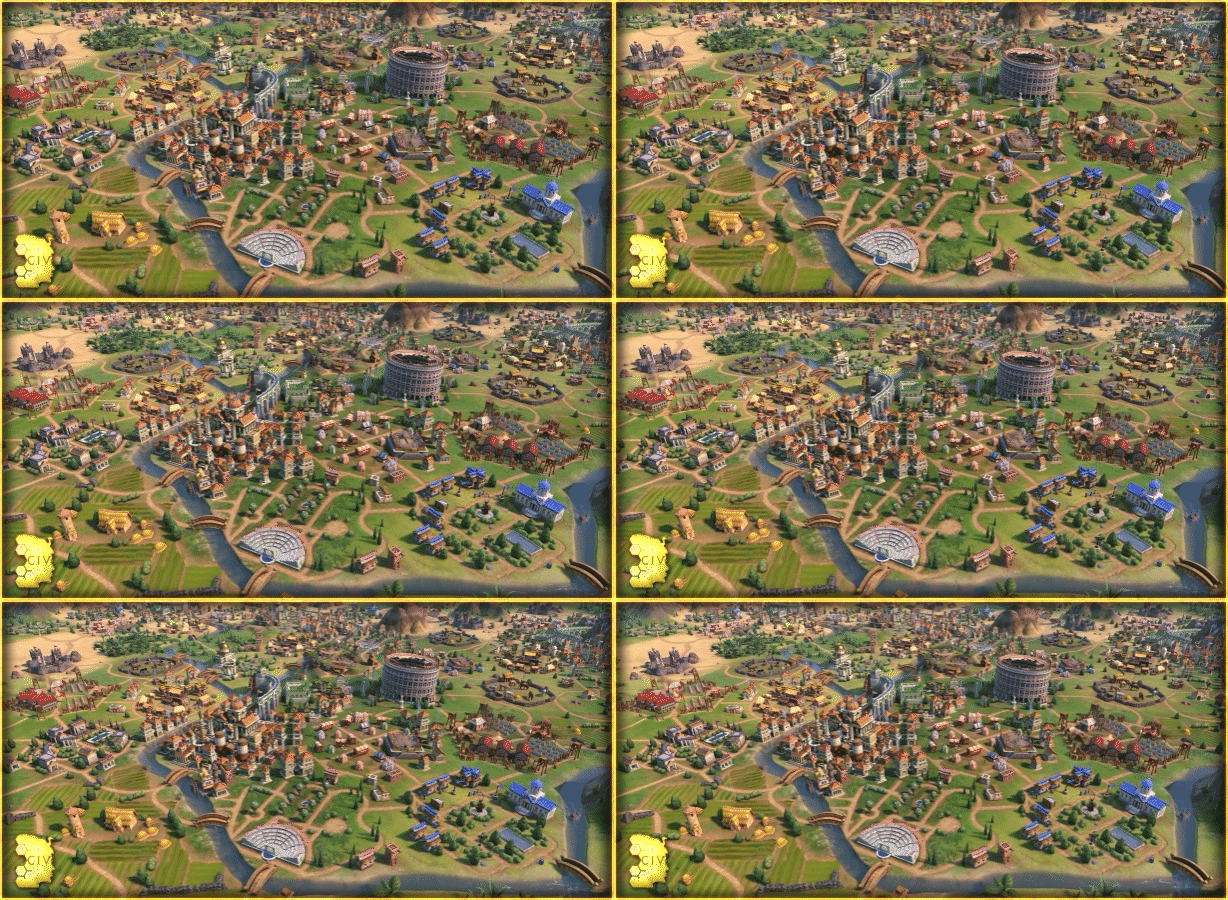

- See the marvels of your empire spread across the map like never before. Each district, wonder, and improvement is built on its own hex, allowing you to customize your city to your heart’s content.
- From the Commercial Hub to the Spaceport, every district provides unique and powerful bonuses. Pick and choose which districts to build to fit your needs!
- Build better than your opponents, place yourself strategically for your allies, and become the best civilization on Earth.
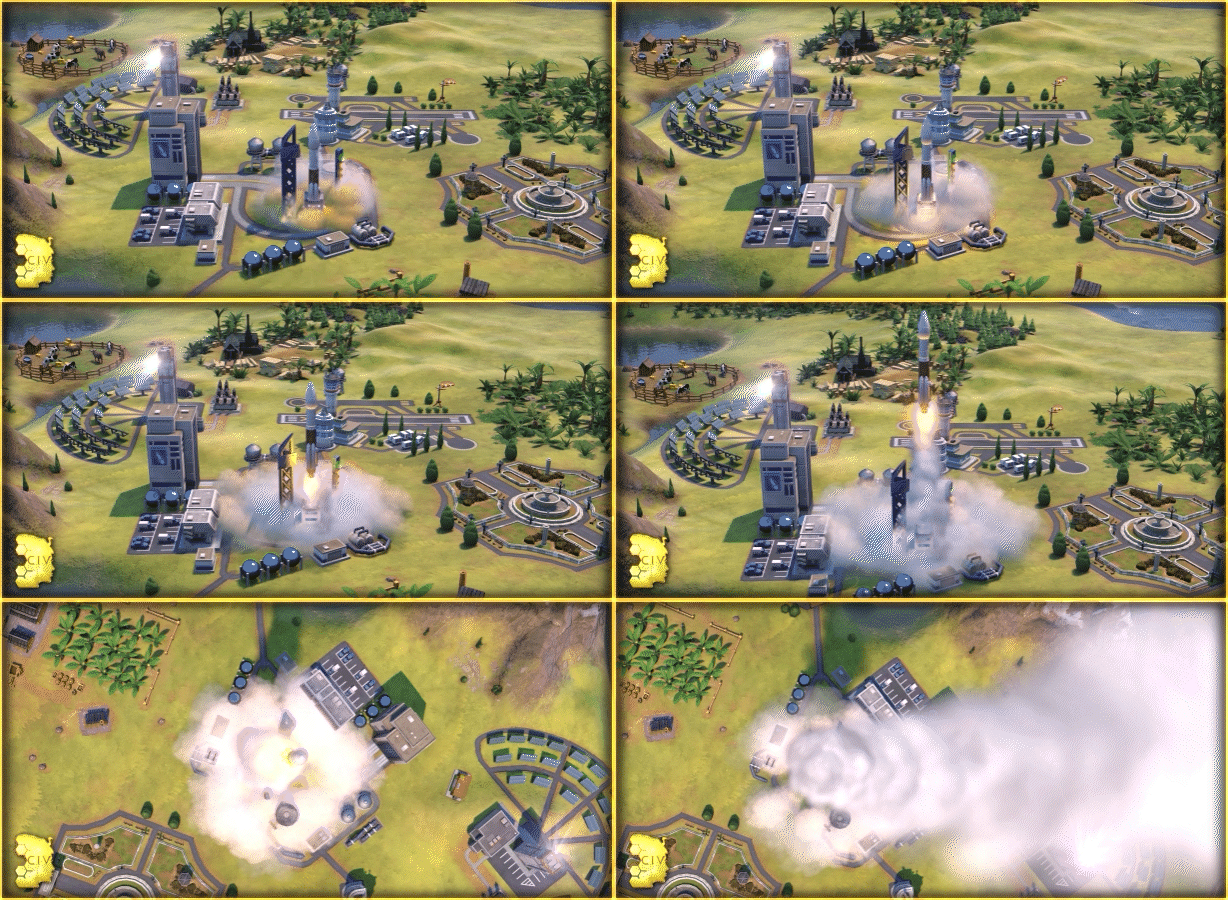

- Boost your civilization’s progress through history to unlock powerful bonuses before anyone else! To advance more quickly, use your units to actively explore, develop your environment, and discover new cultures.
- Research isn’t just limited to science. Explore the Civics tree to unlock powerful new governments and cultural policies
- Cultivate the civilization that fits your playstyle, or switch it up every time you play!


- As the game progresses, so do your diplomatic relationships. From primitive first interactions where conflict is a fact of life, to late game alliances and negotiations.
- Carry influence with nearby city states to gain its diplomatic allegiance and earn game-changing city-state bonuses
- Enlist spies to gather crucial intel on rival civilizations, steal precious resources, and even topple governments.
Loading player reviews…
| Name | Image |
|---|
This product currently supports the following languages:
Windows
Mac
Linux

Steam key activation & download guide
Follow these steps if you purchased a Steam Key. Steam Gifts use the separate gift-redemption instructions.
Get Steam ready
You will need the Steam desktop client installed on your computer. If it is already installed, simply open it. Otherwise, install Steam before continuing with the activation steps below.
Sign in to your Steam account
Open Steam and sign in, or create an account if you do not have one. Check that you are using the account on which you want to activate your purchase.
Open product activation
In the Steam client, choose + Add a Game at the bottom-left, then Activate a Product on Steam. Follow the on-screen prompts.
Enter your Steam key
Copy the product key supplied with your purchase into the activation field and continue through the confirmation. Use the product key, not your order number.
Download and play
Open your Steam Library, select the activated game and choose Install. Follow the download and installation prompts, then launch the game from your Library.
Having trouble activating your key? Check that you copied the full product key and entered it in Activate a Product on Steam, not the wallet-code field. If you still need help, contact our support team with your order number and the error message shown. Keep your product key private.
· Publisher: 2K, Aspyr (Mac), Aspyr (Linux)