




GRID Legends (XBOX ONE/Series X|S) Download
Runs on Windows
Runs on Windows
Runs on MAC
Runs on Linux
Play on XBOX 360
Play on Wii U
 Play on XBOX ONE
 Play on Series X|S
Play on PS3
Play on PS4
HTC Vive Support
Oculus Rift Support
Windows Mixed Reality Support
Released
Developed by
Published by Electronic Arts
Play on XBOX ONE
Play on Series X|S  Single Player
 Multi-Player
 Action
 Family Friendly
 Racing
 Simulation
 Sports
 Download
 The content of games with a PEGI 3 rating is considered suitable for all age groups. The game should not contain any sounds or pictures that are likely to frighten young children. A very mild form of violence (in a comical context or a childlike setting) is acceptable. No bad language should be heard.
gamers playing right now

£59.99
Save 53%
Our Price: £27.99

GRID Legends delivers thrilling wheel-to-wheel motorsport and edge-of-your-seat action around the globe. Create your dream motorsport events, hop into live multiplayer races, be part of the drama in an immersive virtual production story, and embrace the sensation of spectacular action racing.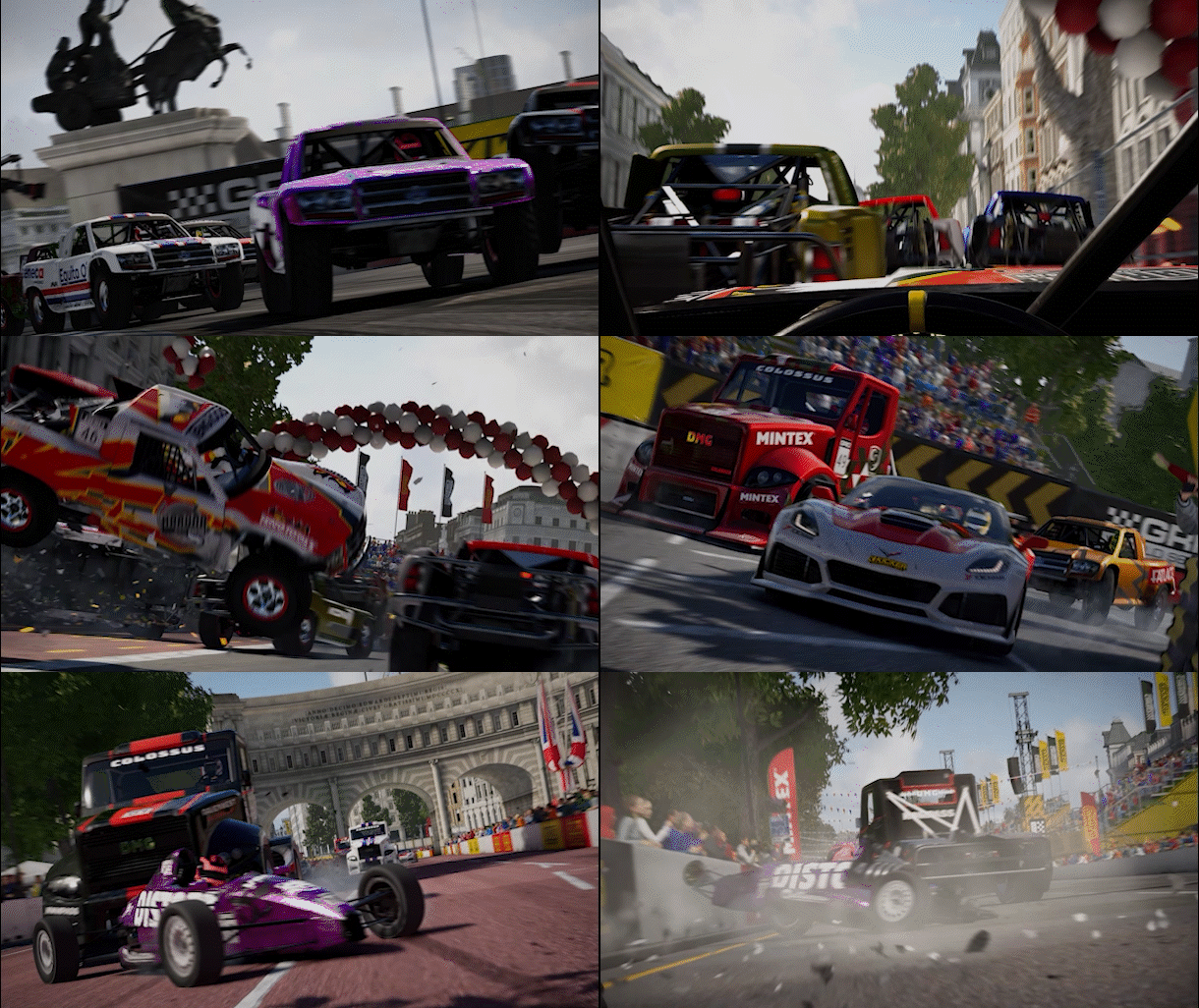
Jostle for position. Drive legendary cars to their limits. Feel the rush of incredible speed. Push your Nemesis on the track. Defeat your friends again and again...and don’t let them ever forget it!
- Play together with up to 21 friends in the most social and connected GRID ever, including cross-platform play, and cause havoc on the track.

- Make racing memories with a stunning variety of cars, new city locations such as London, exciting event types; and create on-track enemies.
- Use the Race Creator to design adrenaline-fueled races to tear up with your friends, with event types like Elimination, electrifying Boost races, and the return of Drift. Want to race hypercars against huge trucks? Go for it!

- Be part of the spectacle of motorsport with our dramatic virtual production story Driven to Glory, or dive into our largest ever Career, featuring hundreds of exhilarating events.

- New to GRID Legends: The Photomode Update - Snap and share your favourite in-game cars!


Xbox key activation & download guide
Follow these steps if you purchased an Xbox digital key. Use the Microsoft account on which you want to keep and play your purchase.
Have your Xbox code ready
Find the product code supplied with your purchase. Xbox codes contain 25 letters and numbers, usually displayed in five groups. Use the product code, not your order number.
Sign in on your Xbox
Switch on your console, connect to the internet and sign in to your Microsoft account. Double-check the account before continuing: redeemed codes cannot be transferred to another account.
Open code redemption
Open Microsoft Store on your Xbox console and choose the option to Redeem a code.
Enter and confirm your code
Enter the full 25-character code and follow the on-screen prompts. Check the product shown and confirm redemption to add it to your account.
Download and play
Open My games & apps, find the redeemed game in your library and choose Install. Follow the installation prompts, then launch the game when it is ready.
Before you redeem: check the console and edition listed on your purchase. These instructions do not add support for other platforms or a different edition.
Having trouble activating your key? Check that you entered the full code and are signed in to the intended account. If an error remains, contact our support team with your order number and the exact error message. Keep your product key private.
· Publisher: Electronic Arts