




Arcade Paradise (PC) Steam Download
Runs on Windows
 Runs on Windows
Runs on MAC
Runs on Linux
Steam Deck compatibility
Compatibility details are loading.
Reported by Steam. Cached for up to 24 hours.
Play on XBOX 360
Play on Wii U
Play on XBOX ONE
Play on Series X|S
Play on PS3
Play on PS4
HTC Vive Support
Oculus Rift Support
Windows Mixed Reality Support
Steam Deck compatibility
Compatibility details are loading.
Reported by Steam. Cached for up to 24 hours.
Released
Developed by
Published by Wired Productions
Runs on Windows  Single Player
 Multi-Player
 Co-Op
Local Co-Op
 Controller Support
 Achievements
 Steam Trading Cards
 Steam Leaderboards
 Adventure
 Retro
 Simulation
 Download
 Video games that show violence of a slightly more graphic nature towards fantasy characters or non-realistic violence towards human-like characters would fall in this age category. Sexual innuendo or sexual posturing can be present, while any bad language in this category must be mild. Gambling as it is normally carried out in real life in casinos or gambling halls can also be present (e.g. card games that in real life would be played for money).
gamers playing right now

£15.99
Save 88%
Our Price: £1.789 left!

- Description
- Track Listing
- Media
- Reviews
- Trading Cards
- Achievements
- Languages
- System Requirements
- How Do I Download?

Welcome to Arcade Paradise, the 90’s-fuelled retro arcade adventure. Rather than washing rags for a living, you decide to turn the family laundromat into the ultimate arcade. Play, profit, and purchase new arcade machines, with over 35 to choose from, to build your very own Arcade Paradise!
Take the laundromat business made up of dull chores from washing clothes to throwing out the trash, and turn it into a booming arcade with the coolest games in town raking in all the money!


Over 35 arcade games, each fully realized with its own gameplay, stories, missions, and high scores to set! Inspired by 3 decades of gaming, from early vector games right up to the 32-bit era.


Insert a second coin and play against a friend in a number of co-operative & competitive arcade games with up to 4 players locally.
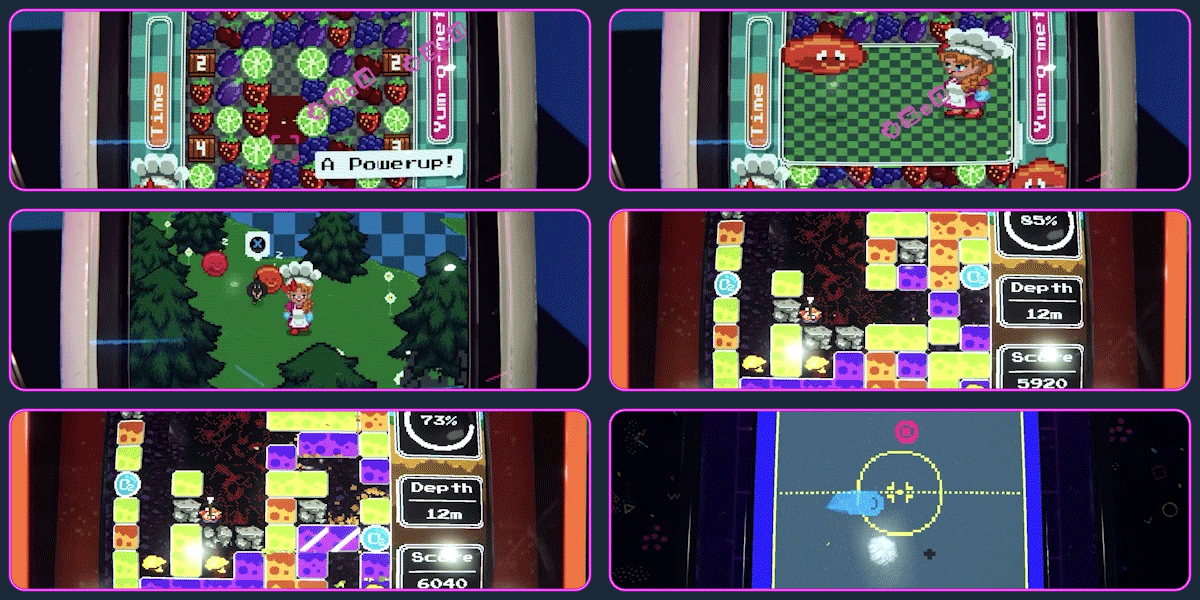

Prove yourself across each game, set your high scores, make your favourite arcade game more popular and upload to the online leaderboards.
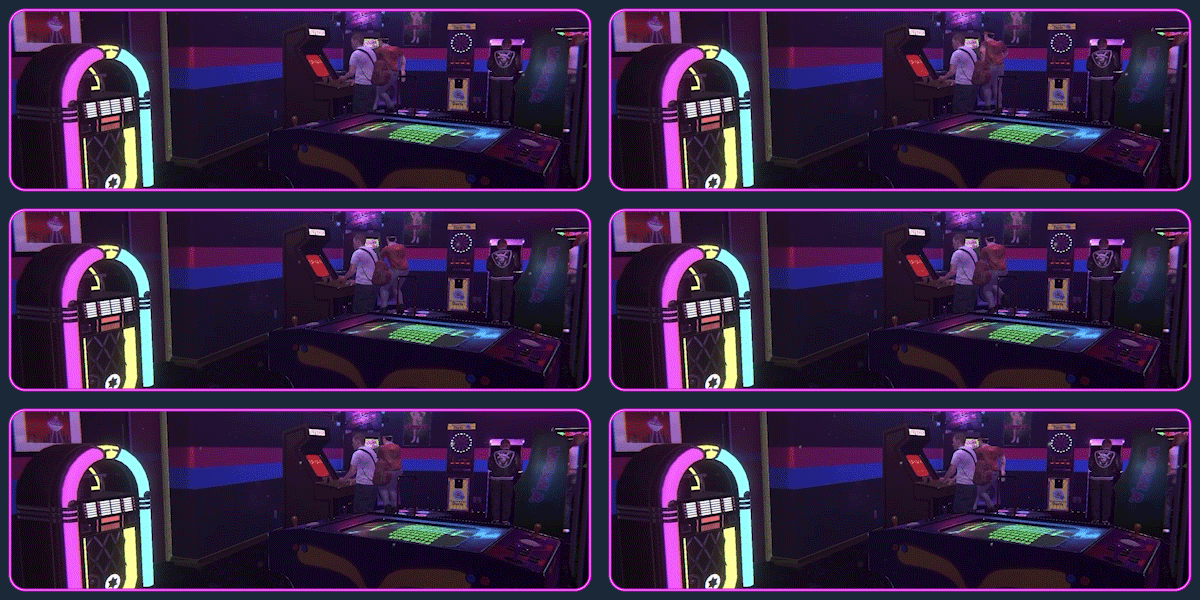

From the individual games to choosing what song to put on the jukebox inspired by some of the great records of the early 90s, the soundtrack captures the heart of a bygone era.


Hello 90’s. If you could smell this game, it would smell like memories. Everything from the look and feel of the arcades, to using the latest PC connected to the mind-blowing dial-up connection, all have been recreated with pure love.


Doug Cockle (famous for his voice acting in Victor Vran and The Witcher series) plays the role of Ashley’s berating father. Being too busy in the Riviera to see King Wash for himself, you will receive many phone calls from Gerald sharing his wise words of advice and constant reminders to fix the toilet.

Loading player reviews…
| Name | Image |
|---|
This product currently supports the following languages:
Windows

Steam key activation & download guide
Follow these steps if you purchased a Steam Key. Steam Gifts use the separate gift-redemption instructions.
Get Steam ready
You will need the Steam desktop client installed on your computer. If it is already installed, simply open it. Otherwise, install Steam before continuing with the activation steps below.
Sign in to your Steam account
Open Steam and sign in, or create an account if you do not have one. Check that you are using the account on which you want to activate your purchase.
Open product activation
In the Steam client, choose + Add a Game at the bottom-left, then Activate a Product on Steam. Follow the on-screen prompts.
Enter your Steam key
Copy the product key supplied with your purchase into the activation field and continue through the confirmation. Use the product key, not your order number.
Download and play
Open your Steam Library, select the activated game and choose Install. Follow the download and installation prompts, then launch the game from your Library.
Having trouble activating your key? Check that you copied the full product key and entered it in Activate a Product on Steam, not the wallet-code field. If you still need help, contact our support team with your order number and the error message shown. Keep your product key private.
· Publisher: Wired Productions
