




Colt Canyon (PC) Steam Download
Runs on Windows
 Runs on Windows
Runs on MAC
Runs on Linux
Steam Deck compatibility
Compatibility details are loading.
Reported by Steam. Cached for up to 24 hours.
Play on XBOX 360
Play on Wii U
Play on XBOX ONE
Play on Series X|S
Play on PS3
Play on PS4
HTC Vive Support
Oculus Rift Support
Windows Mixed Reality Support
Steam Deck compatibility
Compatibility details are loading.
Reported by Steam. Cached for up to 24 hours.
Released
Developed by
Published by Headup
Runs on Windows  Single Player
 Multi-Player
 Co-Op
Local Co-Op
 Controller Support
 Achievements
 Steam Trading Cards
 Cloud Saves
 Stats
 Steam Leaderboards
 Action
 RPG
 Shooter
 Download
gamers playing right now

£11.99
Save 89%
Our Price: £1.24
- Description
- Track Listing
- Media
- Reviews
- Trading Cards
- Achievements
- Languages
- System Requirements
- How Do I Download?
Take your revolver and rescue your partner in this atmospheric and punchy roguelike game.
Colt Canyon is a 2D pixel art shooter where you control a cowboy, or one of the many other unlockable characters, whose mission is to save his kidnapped partner from the ruthless bandits. Take your gun and TNT and shoot your way through a hostile canyon full of hidden treasures, weapons, obstacles and all kinds of bloodthirsty scum.
Maybe you can save more people than just your partner. But watch out. Once you got your partner your job is not done. You'll also have to get back home...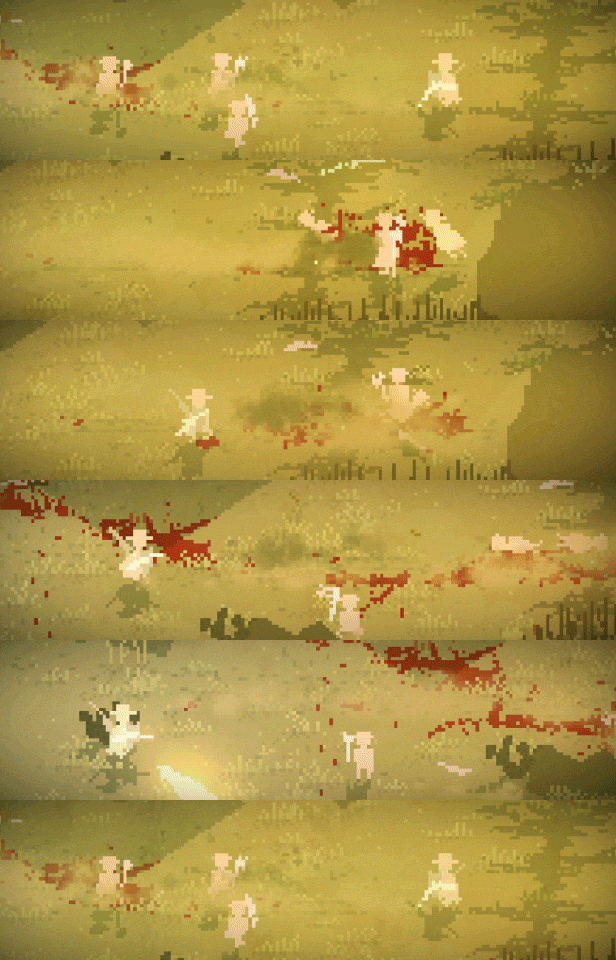
FEATURES
- Skill-Based Roguelike
- Variety of characters and weapons
- Over 100 different weapons
- Save and Continue any time!
- Optional Permadeath

- Ride horses!
- Adjust difficulty to fit your playstyle
- Fantastic Keyboard + Mouse Input
- Excellent Controller Support
- AI companions
- Local coop
- Tons of characters, upgrades and starting loadouts to unlock
- Many viable strategies to try out
- Strategic stealth and fast-paced action
- Boss fights
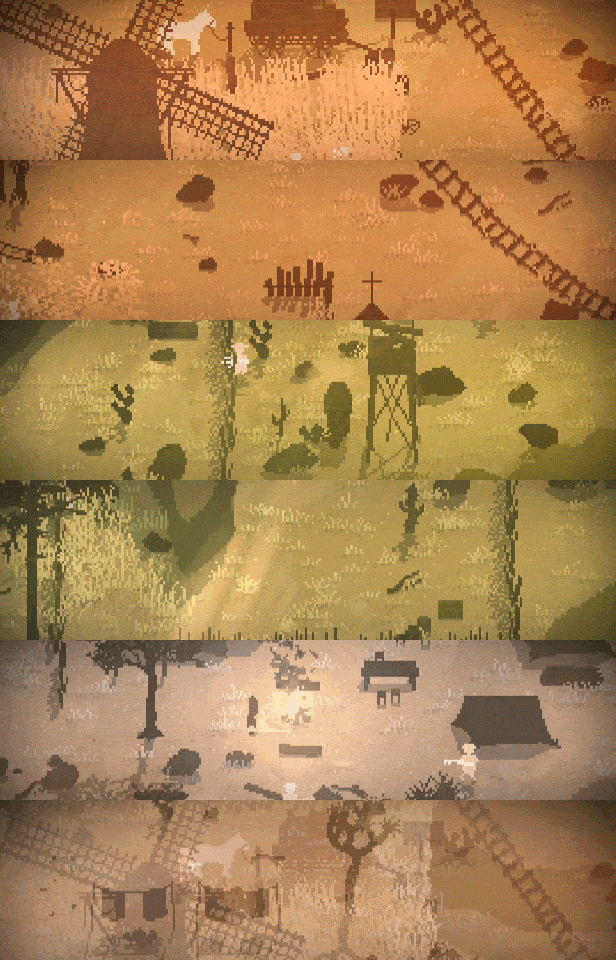
- Randomized, persistent, open levels
- Deep game mechanics
- Loop to keep your run going forever
- Beautiful minimalistic pixel art
- Easy to learn, hard to master
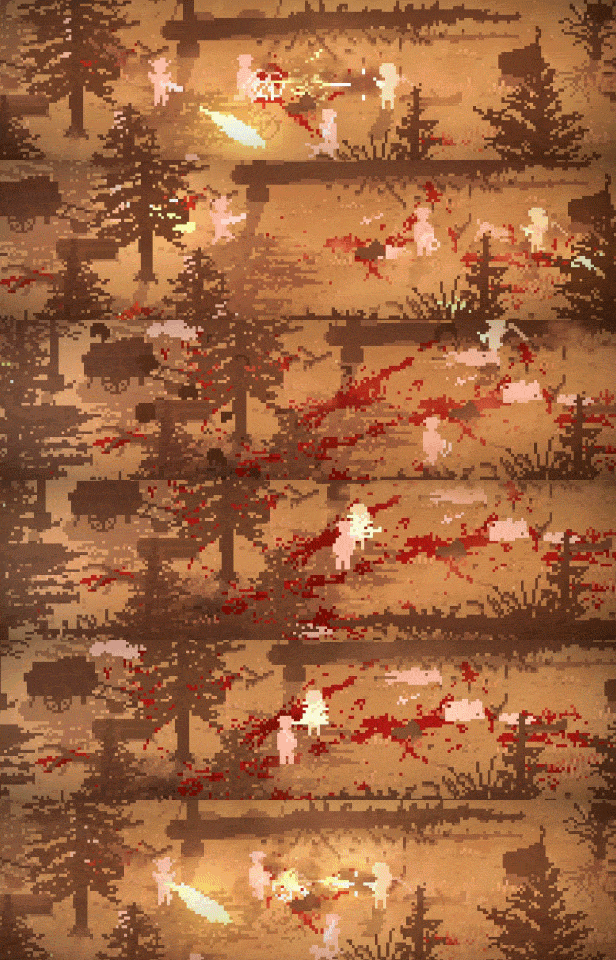
- Stunning particle effects
- Support for various screen resolutions and frame rates
- A lot of love from a dedicated solo developer
- and much more...
Loading player reviews…
| Name | Image |
|---|
This product currently supports the following languages:
Windows

Steam key activation & download guide
Follow these steps if you purchased a Steam Key. Steam Gifts use the separate gift-redemption instructions.
Get Steam ready
You will need the Steam desktop client installed on your computer. If it is already installed, simply open it. Otherwise, install Steam before continuing with the activation steps below.
Sign in to your Steam account
Open Steam and sign in, or create an account if you do not have one. Check that you are using the account on which you want to activate your purchase.
Open product activation
In the Steam client, choose + Add a Game at the bottom-left, then Activate a Product on Steam. Follow the on-screen prompts.
Enter your Steam key
Copy the product key supplied with your purchase into the activation field and continue through the confirmation. Use the product key, not your order number.
Download and play
Open your Steam Library, select the activated game and choose Install. Follow the download and installation prompts, then launch the game from your Library.
Having trouble activating your key? Check that you copied the full product key and entered it in Activate a Product on Steam, not the wallet-code field. If you still need help, contact our support team with your order number and the error message shown. Keep your product key private.
· Publisher: Headup
