




Warhammer 40,000: Inquisitor - Martyr (Xbox One/Xbox Series X|S) Download
Runs on Windows
Runs on Windows
Runs on MAC
Runs on Linux
Play on XBOX 360
Play on Wii U
 Play on XBOX ONE
 Play on Series X|S
Play on PS3
Play on PS4
HTC Vive Support
Oculus Rift Support
Windows Mixed Reality Support
Released
Developed by
Published by Bigben Interactive
Play on XBOX ONE
Play on Series X|S  Single Player
 Multi-Player
 Co-Op
 Controller Support
 Achievements
 Action
 Adventure
 RPG
 Download
gamers playing right now

£24.99
Save 40%
Our Price: £14.99
A STORY-DRIVEN SINGLE PLAYER CAMPAIGN
Far from the guiding light of the God-Emperor, torn apart by the foul tempests that distort reality, the Caligari Sector is slowly rotting away from the inside, tainted by the Chaos Gods. Purge the unclean with the most powerful agents of the Imperium!
THE NEXT MILESTONE IN THE EVOLUTION OF ARPGS
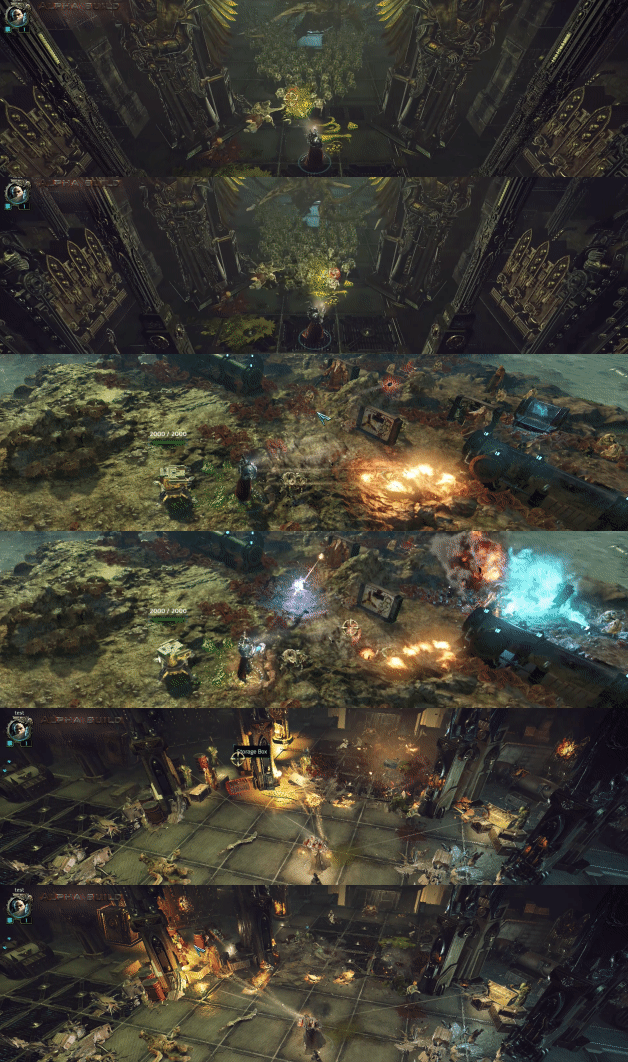
INQUISITORS: SECRET AGENTS AND SPECIALISTS

TRAVERSE A WHOLE GALACTIC SECTOR

FIGHT THE CORRUPTION TOGETHER

IMPROVE YOUR WEAPONS, CRAFT MISSIONS AND TWEAK YOUR SKILLS

A LIVING, EXPANDING WORLD

Warhammer 40,000: Inquisitor – Martyr is an ever-growing, long-lasting experience. Expansions and regular free updates will introduce new enemy factions, new terrain settings, new missions and mission types, new story-driven investigations and new gameplay features. Chapters are big, free updates that will introduce longer story arcs in which players can shape the persistent world of the Caligari sector with their actions. Global Events and Chapters ensure new challenges – there’s always something new to explore or to collect!

Xbox key activation & download guide
Follow these steps if you purchased an Xbox digital key. Use the Microsoft account on which you want to keep and play your purchase.
Have your Xbox code ready
Find the product code supplied with your purchase. Xbox codes contain 25 letters and numbers, usually displayed in five groups. Use the product code, not your order number.
Sign in on your Xbox
Switch on your console, connect to the internet and sign in to your Microsoft account. Double-check the account before continuing: redeemed codes cannot be transferred to another account.
Open code redemption
Open Microsoft Store on your Xbox console and choose the option to Redeem a code.
Enter and confirm your code
Enter the full 25-character code and follow the on-screen prompts. Check the product shown and confirm redemption to add it to your account.
Download and play
Open My games & apps, find the redeemed game in your library and choose Install. Follow the installation prompts, then launch the game when it is ready.
Before you redeem: check the console and edition listed on your purchase. These instructions do not add support for other platforms or a different edition.
Having trouble activating your key? Check that you entered the full code and are signed in to the intended account. If an error remains, contact our support team with your order number and the exact error message. Keep your product key private.
· Publisher: Bigben Interactive