




Core Keeper (PC/LINUX) Steam Download
Runs on Windows
 Runs on Windows
Runs on MAC
 Runs on Linux
Steam Deck compatibility
Compatibility details are loading.
Reported by Steam. Cached for up to 24 hours.
Play on XBOX 360
Play on Wii U
Play on XBOX ONE
Play on Series X|S
Play on PS3
Play on PS4
HTC Vive Support
Oculus Rift Support
Windows Mixed Reality Support
Steam Deck compatibility
Compatibility details are loading.
Reported by Steam. Cached for up to 24 hours.
Released
Developed by
Published by Fireshine Games, bilibili
Runs on Windows
Runs on Linux  Single Player
 Multi-Player
 Co-Op
 Controller Support
 Cloud Saves
 Action
 Adventure
 RPG
 Simulation
 Download
gamers playing right now

£15.99
Save 50%
Our Price: £7.99
- Description
- Track Listing
- Media
- Reviews
- Trading Cards
- Achievements
- Languages
- System Requirements
- How Do I Download?

Awaken as an explorer in a long-forgotten cavern teeming with untold secrets. In this award-winning, 1-8 player mining sandbox adventure, your choices shape an epic journey. Harvest relics and resources, craft advanced tools, build your base, and explore a dynamically evolving world waiting to be unearthed.
Level up your skills, defeat legendary Titans, and unveil the power of the Core. Grow your garden, fish in mysterious waters, master a vast array of recipes, raise and care for animals, encounter the Cavelings, and carve out your own unique world in an enchanting underground adventure.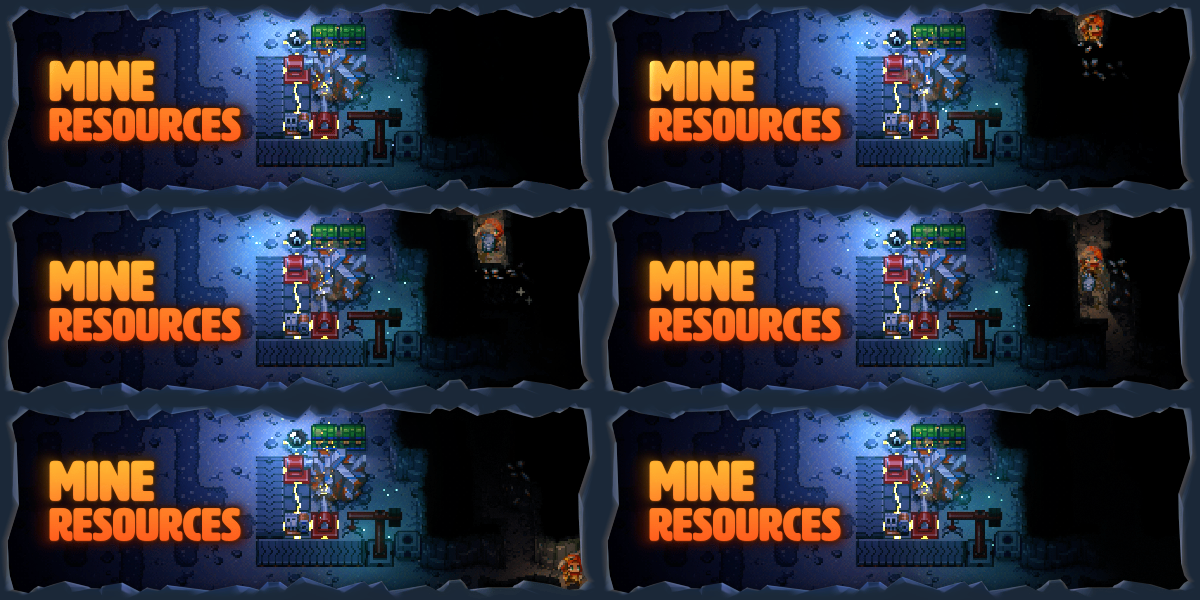
- MINE RESOURCES
Delve deep to harvest precious resources and unearth hidden gems. Craft tools to help you survive, from pickaxes, fishing rods, and shovels to traps, bombs, and mortars. Upgrade your arsenal and equipment with advanced tools like the mighty Obliteration Ray, and automated machinery to streamline mining, smelting, storage, and more. Level up your skills and unlock powerful weapons to conquer the depths.
- DISCOVER AN ANCIENT WORLD
Explore diverse biomes with unique ecosystems and long-forgotten lore. From the living walls of the Clay Caves to the crystal caverns of the Shimmering Frontier, discover more about this mysterious world as you uncover the secrets of the Cavelings. Build a boat to set sail across the Sunken Sea, race across the Desert of Beginnings, and encounter the remnants of ancient civilizations.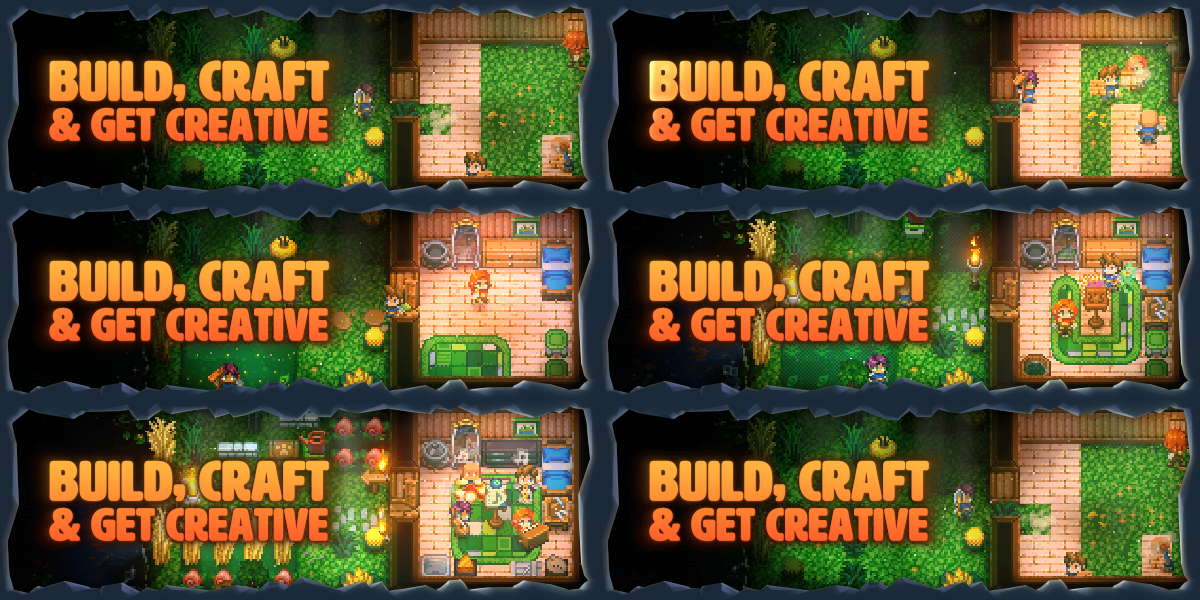
- BUILD, CRAFT & GET CREATIVE
Create a totally unique base using a variety of different materials and customisations. From the ultimate adventurer’s lair to a cozy underground cottage, shape the underground your way. Customize your character’s appearance and choose from an array of powerful armor and unique outfits to suit the moment.
- BATTLE TITANS
Face legendary Titans that hold the secret to this long-forgotten world. Sharpen your combat skills against a variety of monsters and mini-bosses, spend talent points to level up your abilities, and plan your strategy to conquer these colossal creatures of the underground. Discover rare and powerful loot to help you on your journey and power up the Core.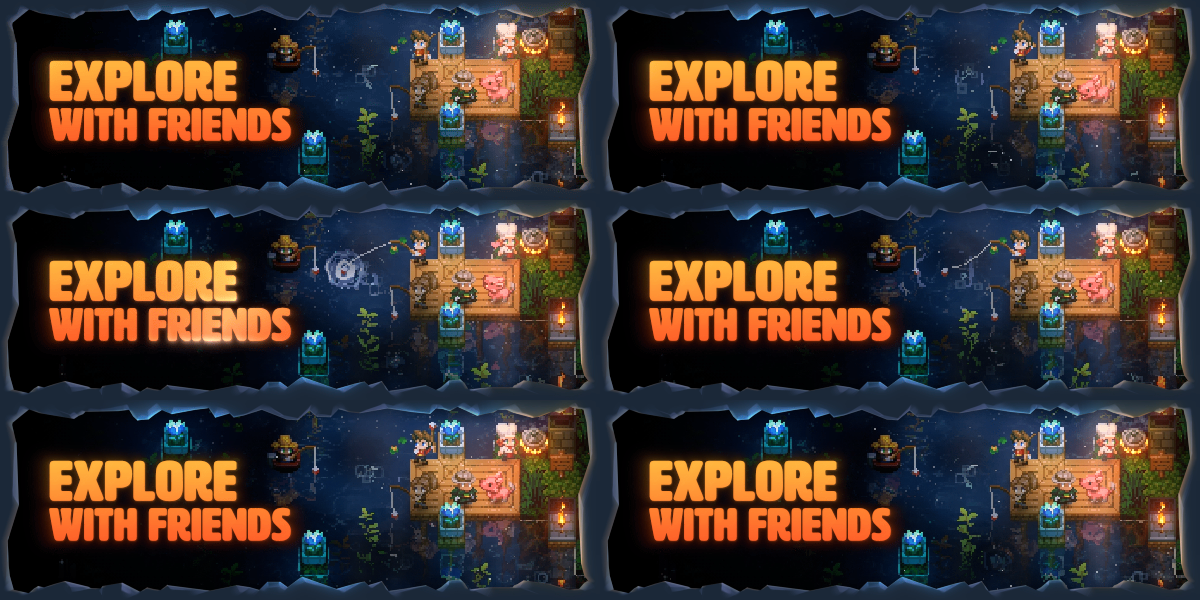
- EXPLORE WITH FRIENDS
Enjoy the adventure solo or team up in 2-8 player drop-in/drop-out online co-op. Play your way and explore at your own pace — celebrate the seasons, trade with merchants, hatch your new best friends, design the ultimate base, automate resource gathering, host your own dedicated server, create music on playable instruments and discover an unforgettable sandbox adventure.
Loading player reviews…
| Name | Image |
|---|
This product currently supports the following languages:
Windows
Linux

Steam key activation & download guide
Follow these steps if you purchased a Steam Key. Steam Gifts use the separate gift-redemption instructions.
Get Steam ready
You will need the Steam desktop client installed on your computer. If it is already installed, simply open it. Otherwise, install Steam before continuing with the activation steps below.
Sign in to your Steam account
Open Steam and sign in, or create an account if you do not have one. Check that you are using the account on which you want to activate your purchase.
Open product activation
In the Steam client, choose + Add a Game at the bottom-left, then Activate a Product on Steam. Follow the on-screen prompts.
Enter your Steam key
Copy the product key supplied with your purchase into the activation field and continue through the confirmation. Use the product key, not your order number.
Download and play
Open your Steam Library, select the activated game and choose Install. Follow the download and installation prompts, then launch the game from your Library.
Having trouble activating your key? Check that you copied the full product key and entered it in Activate a Product on Steam, not the wallet-code field. If you still need help, contact our support team with your order number and the error message shown. Keep your product key private.
· Publisher: Fireshine Games, bilibili