




From Space (PC) Steam Download
Runs on Windows
 Runs on Windows
Runs on MAC
Runs on Linux
Steam Deck compatibility
Compatibility details are loading.
Reported by Steam. Cached for up to 24 hours.
Play on XBOX 360
Play on Wii U
Play on XBOX ONE
Play on Series X|S
Play on PS3
Play on PS4
HTC Vive Support
Oculus Rift Support
Windows Mixed Reality Support
Steam Deck compatibility
Compatibility details are loading.
Reported by Steam. Cached for up to 24 hours.
Released
Developed by
Published by Curve Games
Runs on Windows  Single Player
 Multi-Player
 Co-Op
 Controller Support
 Achievements
 Steam Trading Cards
 Cloud Saves
 Action
 Adventure
 Family Friendly
 Shooter
 Download
 Video games that show violence of a slightly more graphic nature towards fantasy characters or non-realistic violence towards human-like characters would fall in this age category. Sexual innuendo or sexual posturing can be present, while any bad language in this category must be mild. Gambling as it is normally carried out in real life in casinos or gambling halls can also be present (e.g. card games that in real life would be played for money).
gamers playing right now

£10.99
Save 71%
Our Price: £3.151 left!

- Description
- Track Listing
- Media
- Reviews
- Trading Cards
- Achievements
- Languages
- System Requirements
- How Do I Download?

That's no bubblegum army, that's an endless horde of menacingly pink aliens taking over our planet! Enough sweet talk, grab your gear, we need you and your squad to defeat the pink pests!
YOUR MISSION: Liberate Earth from the Alien horde!

We have an emergency on our hands! Resistance is a high-energy “Horde Mode” where you and your (extremely qualified) team will be deployed into unique locations, completing objectives, while surviving waves of pink life forms that increase in difficulty. It’s down to you to save the world.
Collect Tokens to unlock weapons, items, and perks to boost your stats and build the ultimate loadout based on your playstyle. Complete formidable missions and extract with your squad to gain well-earned experience to level up your character. Additionally, for those that love to flaunt, you can show off your skill to other players in the session with 26 different ranks to work towards! Get out there and make us proud, recruit!

It’s time to save the world! Embark on a journey to meet fellow earthlings that require your assistance, you virtuoso. You’ll be completing a wide range of exciting missions, usually, through chaotic combat, and yes, you have full permission to destroy everything in your path.

While you can play From Space solo (if you're brave enough) you'd be wise to invite some friends to help you out. With online play you can create a four-person squad. Look, there's a lot of those pink pests out there so the more people, the better. Oh, and with a squad, you'll have some witnesses to tell everyone how awesome you are. It's basically a win-win scenario.


With a variety of weapons (Rocket Launchers, Miniguns, Flamethrowers and more!) there’s no excuse not to annihilate those aliens! Build your ideal spec and use tactical items such as grenades and mines, or slow down the hordes with barbed wire and machinegun turrets. Remember to scavenge the world for loot, you'll need it!
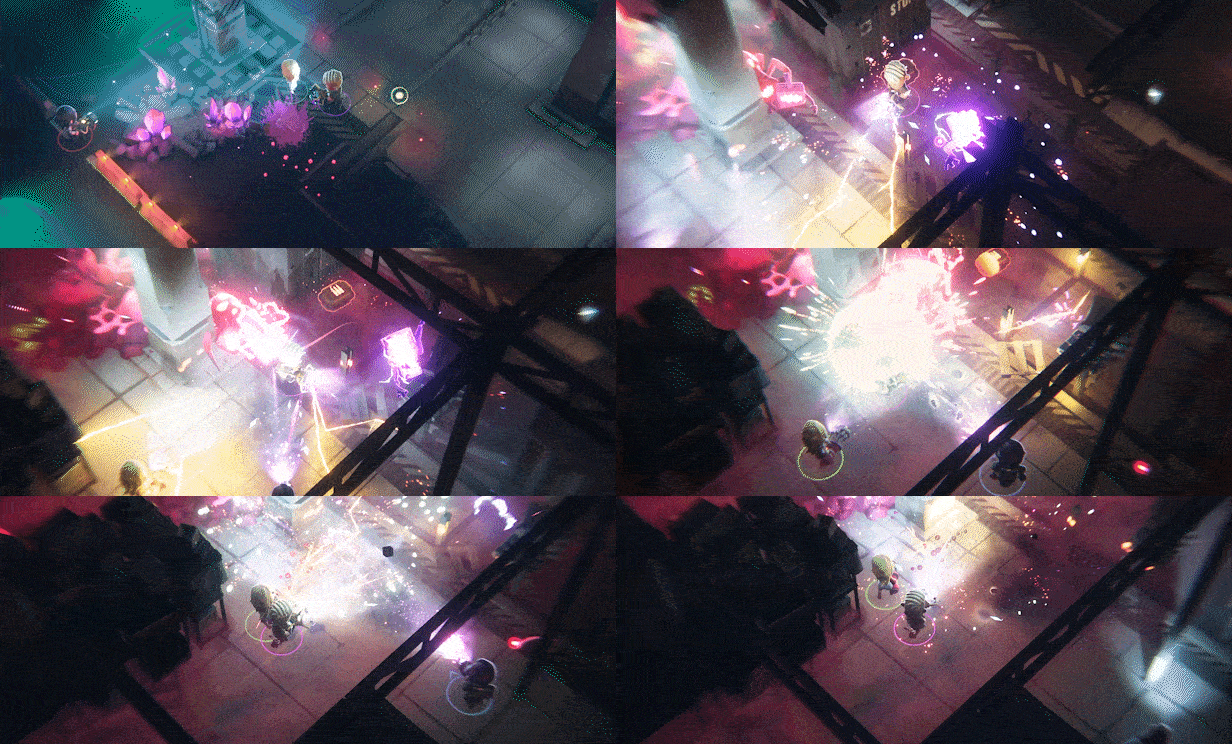

No matter what type of player you are, there’s a wide range of characters in From Space's roster, each with their own unique ability and weapons. Find the perfect balance with your friends as you build the ultimate super squad.
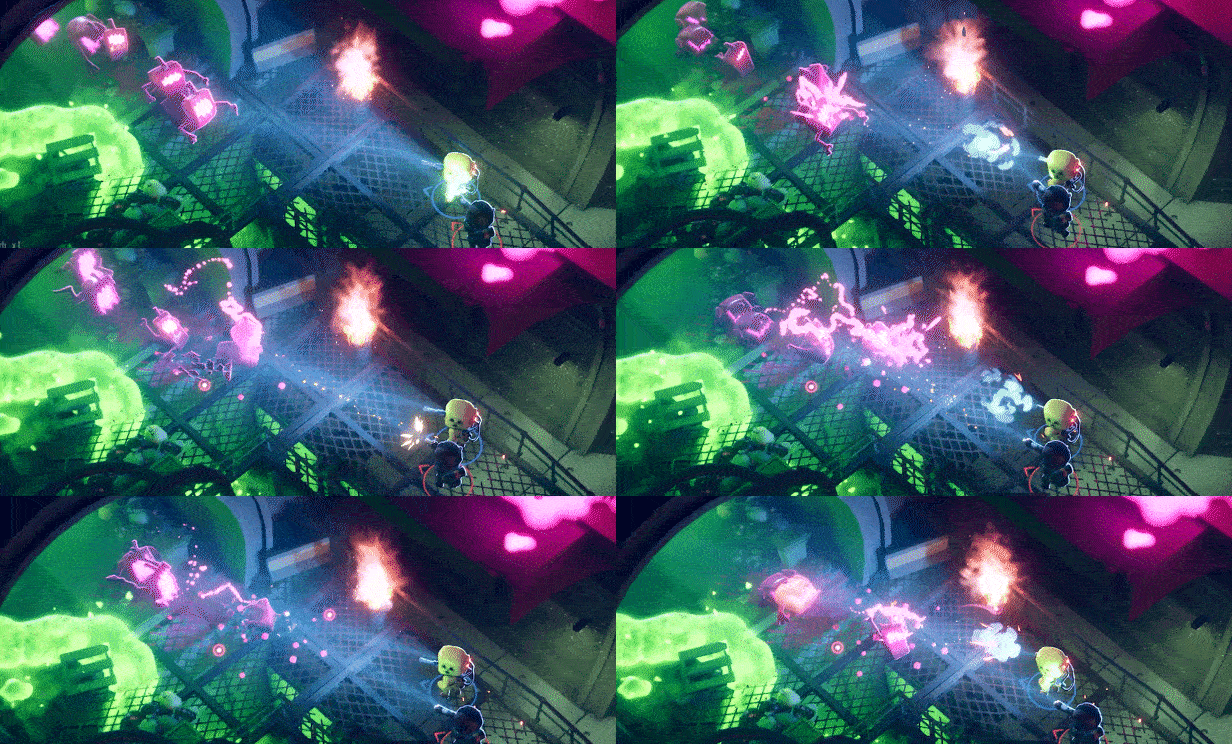

As you level-up, you’ll be able to attach special perks to your character, helping you to master the art of destroying aliens. You'll need to find ways to combat increasingly more powerful aliens, and perks will help you accomplish all of your pink alien squashing dreams. Need to rethink your strategy? No problem! We like innovators! Perks can be swapped around, even between your squad!
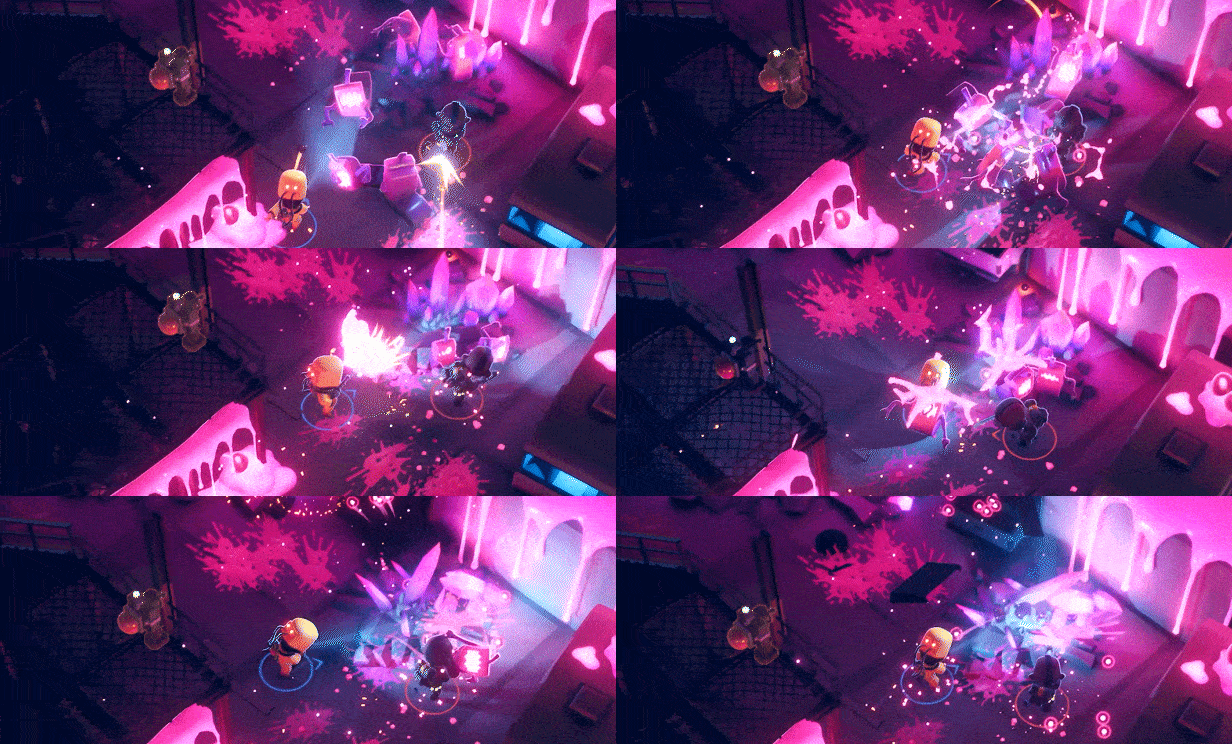

We’re going to level with you... an alien threat is terrifying, terrifyingly fun! Look, the world is already pretty beat up as it is. Who's going to notice if you cause a little bit more destruction while saving the day? People have insurance it's fine...

Loading player reviews…
| Name | Image |
|---|
This product currently supports the following languages:
Windows

Steam key activation & download guide
Follow these steps if you purchased a Steam Key. Steam Gifts use the separate gift-redemption instructions.
Get Steam ready
You will need the Steam desktop client installed on your computer. If it is already installed, simply open it. Otherwise, install Steam before continuing with the activation steps below.
Sign in to your Steam account
Open Steam and sign in, or create an account if you do not have one. Check that you are using the account on which you want to activate your purchase.
Open product activation
In the Steam client, choose + Add a Game at the bottom-left, then Activate a Product on Steam. Follow the on-screen prompts.
Enter your Steam key
Copy the product key supplied with your purchase into the activation field and continue through the confirmation. Use the product key, not your order number.
Download and play
Open your Steam Library, select the activated game and choose Install. Follow the download and installation prompts, then launch the game from your Library.
Having trouble activating your key? Check that you copied the full product key and entered it in Activate a Product on Steam, not the wallet-code field. If you still need help, contact our support team with your order number and the error message shown. Keep your product key private.
· Publisher: Curve Games
