




Roguebook (PC/MAC/LINUX) Steam Download
Runs on Windows
 Runs on Windows
 Runs on MAC
 Runs on Linux
Steam Deck compatibility
Compatibility details are loading.
Reported by Steam. Cached for up to 24 hours.
Play on XBOX 360
Play on Wii U
Play on XBOX ONE
Play on Series X|S
Play on PS3
Play on PS4
HTC Vive Support
Oculus Rift Support
Windows Mixed Reality Support
Steam Deck compatibility
Compatibility details are loading.
Reported by Steam. Cached for up to 24 hours.
Released
Developed by
Published by Nacon
Runs on Windows
Runs on MAC
Runs on Linux  Single Player
 Controller Support
 Achievements
 Cloud Saves
 Adventure
 RPG
 Strategy
 Download
gamers playing right now

£19.99
Save 91%
Our Price: £1.729 left!

- Description
- Track Listing
- Media
- Reviews
- Trading Cards
- Achievements
- Languages
- System Requirements
- How Do I Download?

The ancients speak of a Book written since time immemorial containing all the world's legends. After many fabulous adventures, recounted in Faeria – Chronicles of Gagana, this relic was lost in a well of Faeria. Through contact with this source of magic, the Book developed a wicked free will of its own and became the Roguebook!
You are trapped in the Book of Lore of Faeria, and each page represents a new challenge. Lead your two heroes to victory in this roguelike deckbuilder developed in partnership with Richard Garfield, creator of Magic: The Gathering™. Put together the best synergies between cards, relics and abilities, and take on the Roguebook.
LEGENDARY HEROES
-
6 hero pairs – Choose 2 heroes to start a game. Each hero has a collection of over 50 cards, a personal relic and a unique skill tree.
-
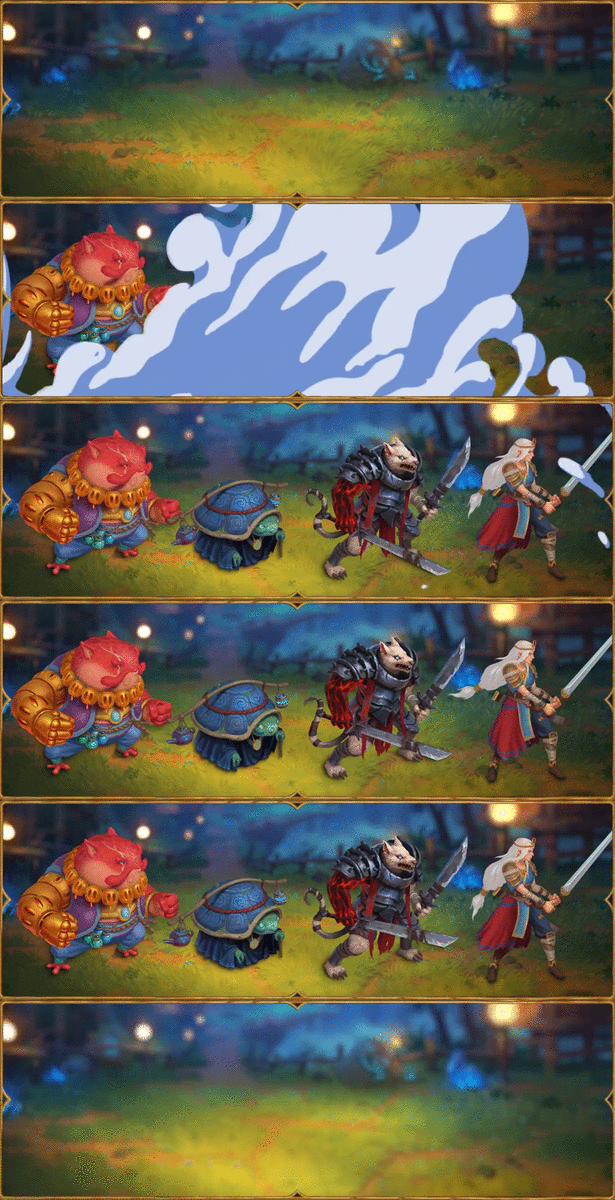
Maximise synergies – The hero at the front protects the hero at the back. Switch the positions of your heroes and combine their strengths to unleash powerful combos.
- Strategic battles – Skilfully anticipate and queue up your actions to defeat over 40 bosses and enemies.
BUILD YOUR DECK AS YOU PLAY
-
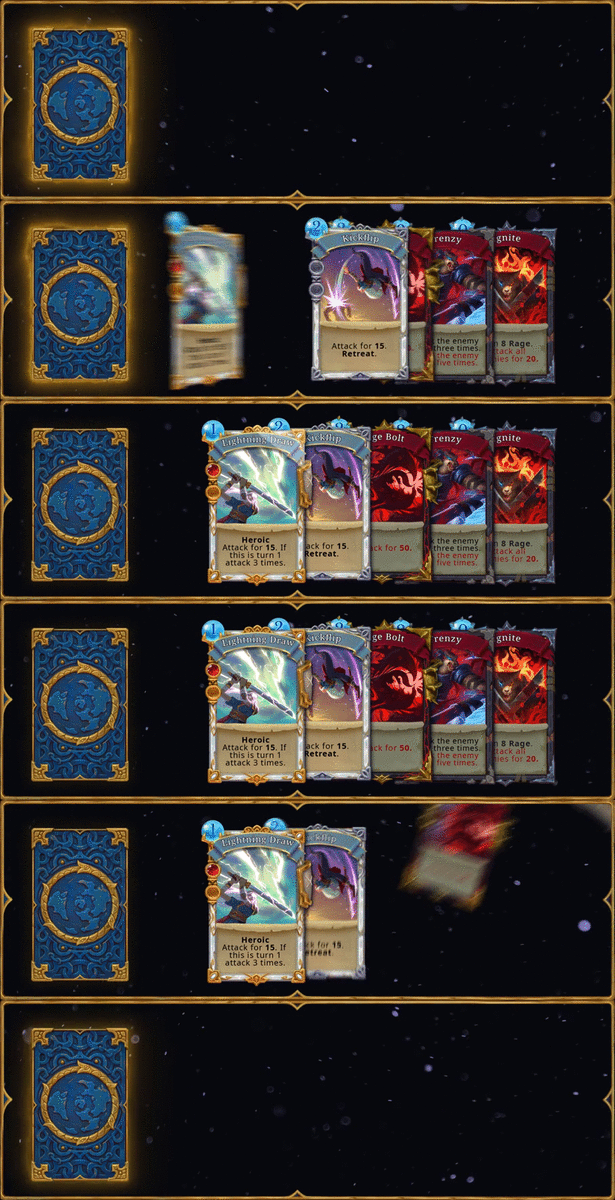
Dynamic deckbuilding – Over 200 cards to cleverly assemble as the game progresses. You will never play with the same deck twice.
-
Relics with unique powers – Upgrade your cards with 30 special gems. Collect 80 relics with extraordinary effects.
- More cards, more power! – Each hero has a unique skill tree to unlock. Collect cards and select the best skills!
EXPLORE A WORLD THAT CHANGES WITH EACH NEW BRUSHSTROKE
-
The Book changes each time you open it – The map along with its mysteries and dangers are procedurally generated for a brand-new challenge every time.
-
Paint the world – The Roguebook's pages are composed of hexagonal tiles. Use magic inks that reveal different patterns to fully explore each page.
- A range of encounters – Merchants, travellers, ruins, quests, etc. Lots of chances to obtain cards and relics… or to fall into a trap!

EACH RUN COUNTS IN THE QUEST TO DEFEAT THE ROGUEBOOK
-
Hours and hours of fun – 20 hours on average to beat the game, hundreds of hours to unlock everything.
-
Progress at your own pace – Collect pages and use them to buy upgrades. Level up your heroes to unlock new cards.
- 20 difficulty levels – Defeat the final boss to unlock the Epilogue level. Each level grants access to new relics, gems and encounters, but also spawns tougher enemies.

Loading player reviews…
| Name | Image |
|---|
This product currently supports the following languages:
Windows
Mac
Linux

Steam key activation & download guide
Follow these steps if you purchased a Steam Key. Steam Gifts use the separate gift-redemption instructions.
Get Steam ready
You will need the Steam desktop client installed on your computer. If it is already installed, simply open it. Otherwise, install Steam before continuing with the activation steps below.
Sign in to your Steam account
Open Steam and sign in, or create an account if you do not have one. Check that you are using the account on which you want to activate your purchase.
Open product activation
In the Steam client, choose + Add a Game at the bottom-left, then Activate a Product on Steam. Follow the on-screen prompts.
Enter your Steam key
Copy the product key supplied with your purchase into the activation field and continue through the confirmation. Use the product key, not your order number.
Download and play
Open your Steam Library, select the activated game and choose Install. Follow the download and installation prompts, then launch the game from your Library.
Having trouble activating your key? Check that you copied the full product key and entered it in Activate a Product on Steam, not the wallet-code field. If you still need help, contact our support team with your order number and the error message shown. Keep your product key private.
· Publisher: Nacon
